
What PDF Metadata Reveals About You (And How to See It)
Your PDF's information panel can out your name, your employer's defaults, your editor and your working hours. A field-by-field tour — and how to look.
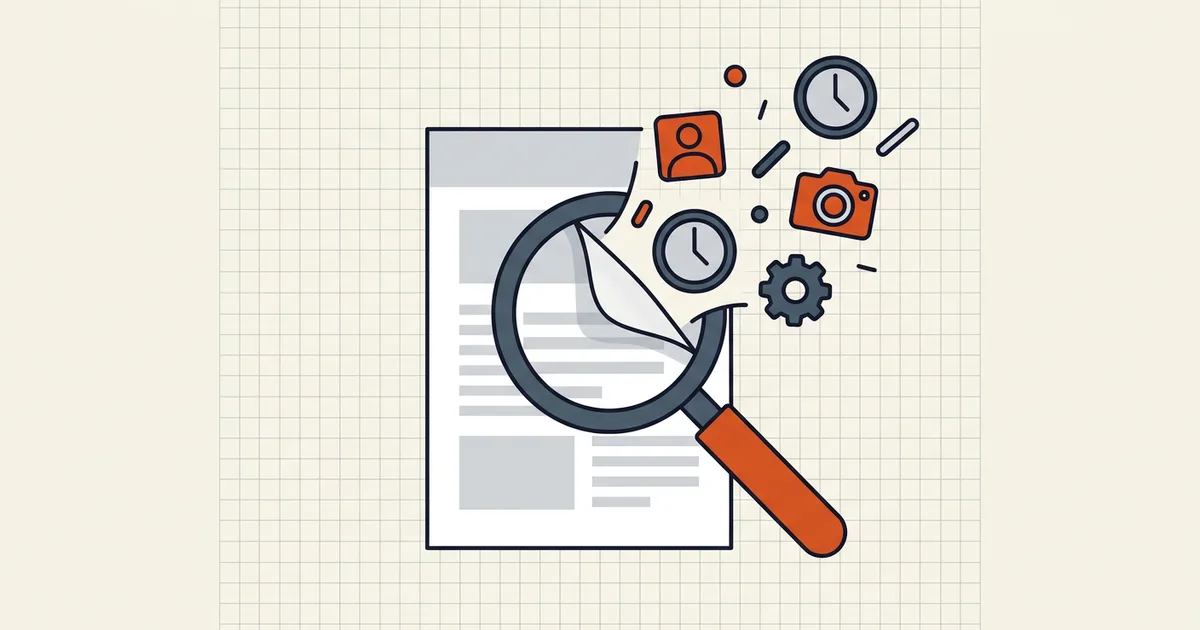
Open a PDF's properties panel and you'll find a second document hiding behind the first — a résumé you never wrote. Most files leak at least a name and a timestamp. Some leak far more.
The field-by-field tour
Identity fields
- Author. Frequently the OS account name that created the source document —
jsmith,Sarah_Connor, sometimes a full legal name. It is autofilled at creation and rarely revisited. - Title. Auto-filled from the original filename in many workflows.
DRAFT_v3_FINAL_revisedtells its own story. - Company / custom properties. Office templates can stamp an organization name into every export from that machine.
Workflow fields
- Creator / Producer. The applications that wrote the document and the PDF: exact product names and version strings (
Microsoft Word 2021,Adobe PDF Library 25.x). Low sensitivity alone; useful to anyone building a profile of your toolchain. - CreationDate / ModDate. Second-level timestamps. Working hours, deadline reality, whether "final" was really final.
- Document IDs and revision hints. XMP packets commonly carry instance and document IDs that link several exports of the same file as siblings.
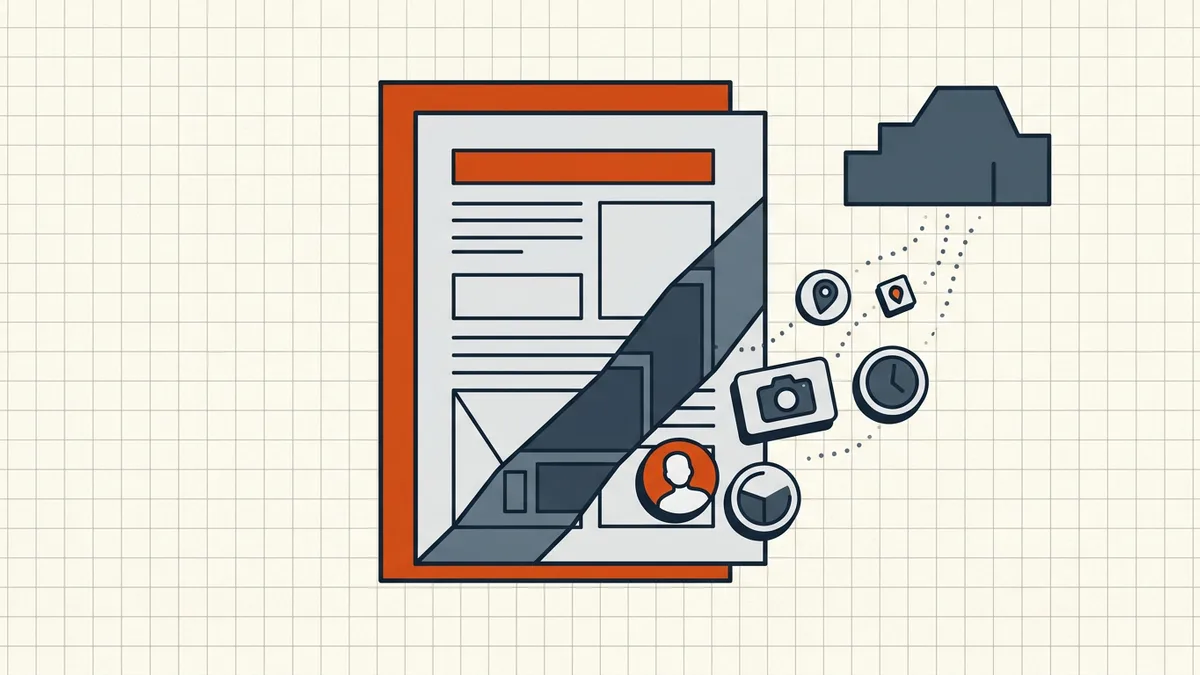
Content-adjacent leaks (beyond the properties panel)
- Embedded image EXIF. Phone photos pasted into a PDF can carry camera model and sometimes GPS tags.
- Comments, annotations, and revision history. Not metadata strictly, but they hide in the same "invisible" category — see how to remove hidden data from a PDF.
- An OCR text layer. A scan you "cleaned" can still contain the full machine-readable text under the image.
See it for yourself in 60 seconds
You do not need special software to audit a file:
- Windows: right-click the PDF → Properties → Details.
- macOS: open in Preview → Tools → Show Inspector → the info tab.
- Any browser: open the PDF and check the document properties entry in the viewer's menu.
- Deeper:
exiftool file.pdfprints everything writable in the file, XMP included. BytesPDF's Remove Metadata tool also shows the fields it detects before anything is changed — and processes the file locally in your browser.
Do this on a PDF a colleague sent you (they published those fields voluntarily, in effect) and on one of your own exports. The contrast is the lesson.
When metadata matters most
| Situation | What can leak | Why it hurts |
|---|---|---|
| Job applications | Current employer defaults, editing hours | Comparative disadvantage, misread timelines |
| Public-sector or FOI releases | Draft authors, internal template names | Reveals internal process, names non-public staff |
| Legal and contractual documents | Authorship, toolchain, modification trail | Content of the file is privileged; the trail is not |
| Journalism and whistleblowing | Everything above | Sources have been untaught by metadata for decades |
| Client deliverables | Your account names, other clients' template residue | Looks unprofessional at minimum |
Removing what you find
Field-by-field removal steps — Windows, macOS, Acrobat, ExifTool, and browser-local tools — are in the companion guide, how to remove metadata from a PDF. The short version: scrub as the last step before sending (editing re-adds metadata), save under a new name, and verify the panel is actually blank.
And if you're evaluating "online PDF tools" generally — the ones where the file uploads to an unknown server first — start with our privacy risks of online PDF tools guide. Removing metadata in transit does not help if the transit itself is the exposure.
Frequently asked questions
Can a PDF reveal who created it?
Often, yes. The Author field is frequently your OS account name or full name, and Producer/Creator identify the exact application build. Unless someone cleared them, these fields travel with the file.
Where do I see PDF metadata?
In any reader's document properties panel (Acrobat: File → Properties; macOS Preview: Tools → Show Inspector; Windows: right-click → Properties → Details). BytesPDF's Remove Metadata tool lists the fields it finds before cleaning.
Does PDF metadata include GPS location?
The standard document fields do not include GPS, but embedded photos can carry camera EXIF tags, and some authoring workflows add location-bearing XMP. If the PDF embeds phone photos, treat location data as possible.
Is PDF metadata visible in search results?
Search engines index PDFs and can surface Title and Author in snippets, and caches retain the file. Assume anything in the properties panel is public once the PDF is.
Related comparisons
Source-led comparisons written by BytesPDF, with the conflict of interest disclosed on each page. They link official provider documentation rather than fabricated tests.