
Why Black Boxes in PDFs Leak Secrets: Redaction Failures Explained
Public 'redacted' documents keep un-redacting themselves. The leaks are mechanical, not magic — here are the four failure modes and how to close them.
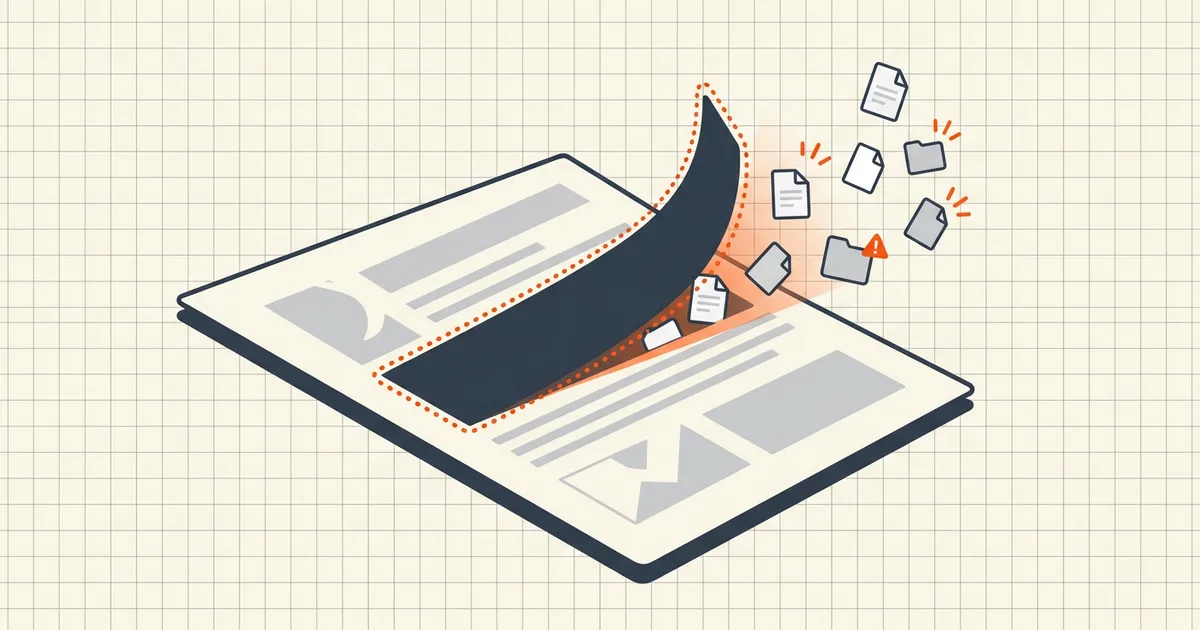
Every few months another "redacted" release un-redacts itself in public: paragraphs under the black bars reappearing in a browser, a copy-paste recovering the secrets, a search hit landing squarely on a hidden name. These failures feel like hacking. They're arithmetic. The document was never changed — only covered.
Failure mode 1: the overlay
The black rectangle is drawn as an annotation or shape above the content layer. PDF is a layered format; stacking order is presentation, not deletion. The original text operators sit in the same stream they always did.
Anyone can recover it:
- select across the bar and copy;
- delete the box in a free editor;
- print to a new PDF where the overlay fails to render but the text does;
- open the file in a tool that ignores annotations.
This is the genre that produced public embarrassments across court filings and agency releases for years — names and figures "removed" with rectangles that were never more than digital tape.
Failure mode 2: the OCR ghost
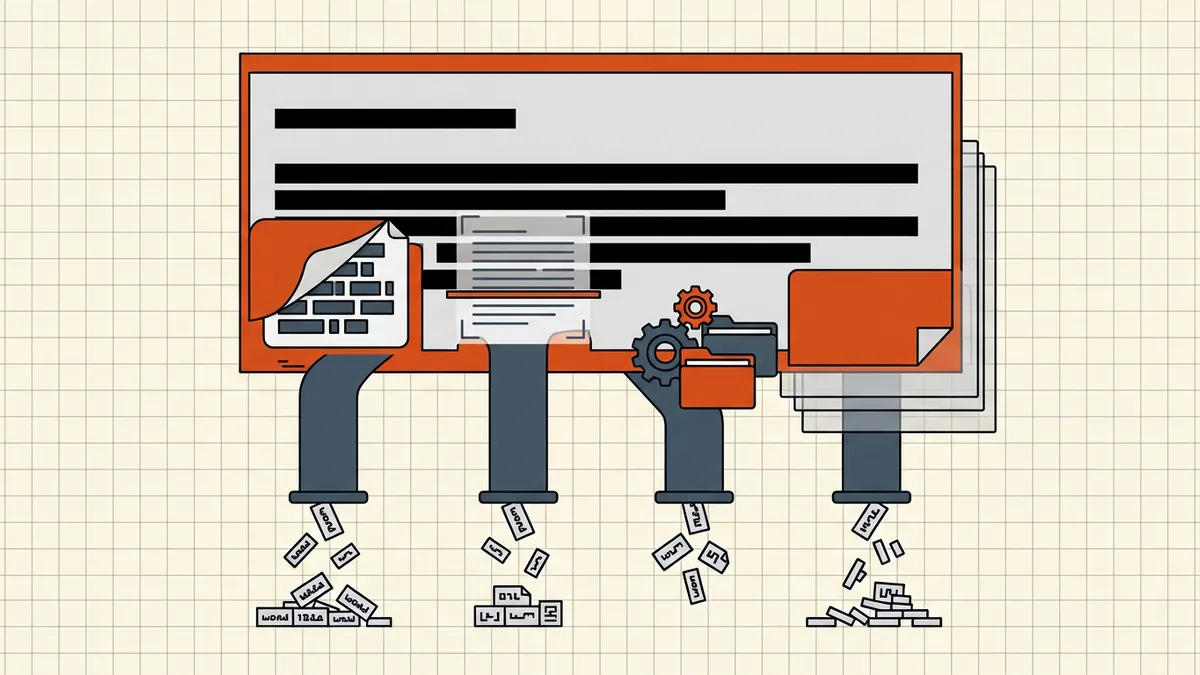
Scans are pictures — but "searchable scans" carry a hidden machine-readable text layer under the pixels (that's what OCR adds). Teams redact the image, flatten the visual bar into the pixels, and publish. The text layer still contains every word.
Copy-paste from the "empty" black region returns the original sentence verbatim. This failure mode is rising with scan-heavy workflows: portals, phone scanning apps, and mailroom OCR all produce searchable PDFs by default.
Failure mode 3: the metadata trail
The visible page is perfect. The file's properties name the author, the template betrays the agency, timestamps contradict the cover story, and two comment balloons survive from the review round. That's not redaction failure exactly — it's metadata and hidden-object neglect, and it undoes clean redactions regularly. Court rules and data-protection regulators have both treated such residue as disclosure.
Failure mode 4: the round-trip
The most expensive leaks come from documents that were properly redacted — then re-opened:
- a downstream user "fixes a typo" in the master that predates the redactions;
- an incremental save keeps the old revisions inside the file;
- someone re-uses the source document for a new release and misses one redaction.
Content destroyed in a derived copy lives on in the parent. Version hygiene is redaction hygiene.
The mechanics that actually work
- Delete, don't cover. Use a tool whose apply step rewrites text streams — e.g. BytesPDF Redact Text, which destroys the targeted text and then verifies it is gone, in your browser.
- Kill the invisible layers. OCR text, comments, attachments, metadata — sweep them after redacting (hidden-data guide).
- Verify like an opponent. Search-test, selection-test, reprint-test the exact exported file.
- Control the lineage. Redact from the clean original; keep masters access-limited; never round-trip a redacted release through an editor.
Why this keeps happening
Because the intuitive tool — draw a box — is the wrong tool, and most PDF software offers it without comment. The fix is cultural as much as technical: treat "redacted" as a claim that must be tested, not a visual state. If you only adopt one habit from this article, make it the selection test on the exported file. It's free, it takes ten seconds, and it has caught every overlay failure mode that ever made the news.
For the step-by-step construction of a proper redaction — marking, applying, and the full verification suite — read how to redact a PDF properly.
Frequently asked questions
Why do redacted PDFs still leak the text?
In most cases the redaction was a visual overlay — a box, white text, or an image — pasted above the content. The underlying text streams are untouched, so copying, searching, or printing recovers the 'hidden' words.
What are the common redaction failure modes?
Four: overlay objects instead of deletion, surviving OCR text layers on scans, leftover metadata/comments, and round-trips through editors that resurrect content from history or layers.
How can I tell if a redaction is real?
Search for a word that should be gone, try to select text across the region, and print to a new PDF and look again. If any test surfaces the content, the redaction is cosmetic.
Does printing a redacted PDF to a new PDF fix it?
No — it often exposes the flaw. If the text is selectable in the reprint, the redaction never removed it. If it was truly removed, printing preserves the removal but may degrade quality and drops signatures.