
PDF Linearization (Fast Web View): Progressive Loading Without Shrinking Bytes
Compression makes PDFs smaller; linearization makes them start sooner. What Fast Web View actually reorders, when it's worth it, and why it's not the same knob as quality.
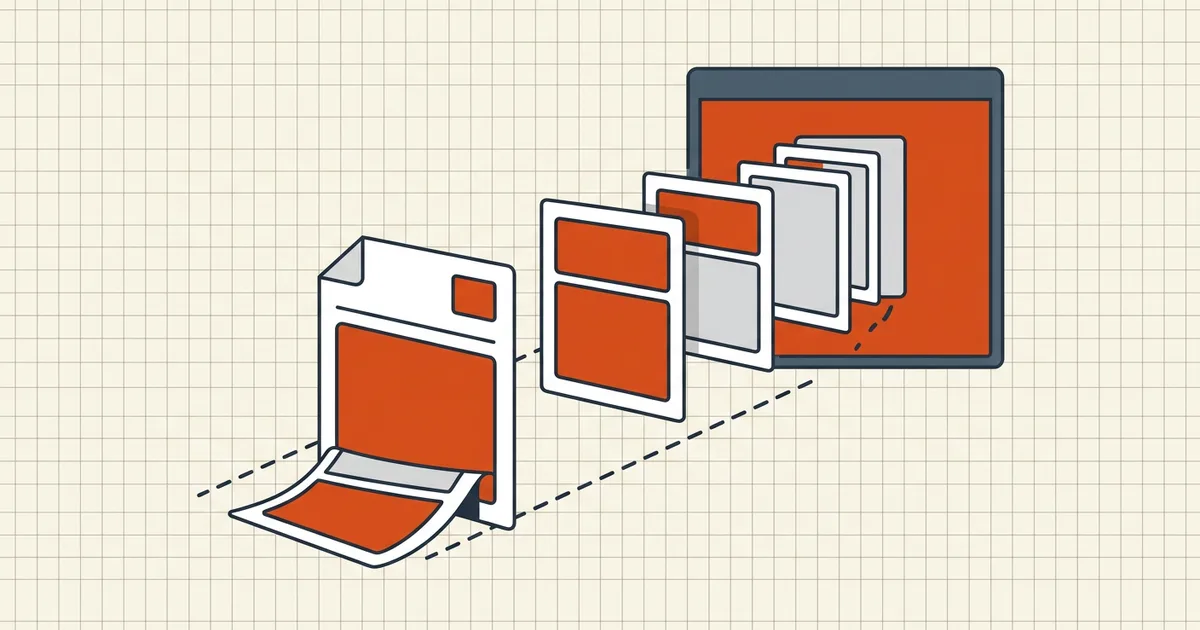
Your CDN can stream video before the file ends — why does a 40MB PDF feel like a dial-up download? Often because it's not arranged for progressive display. Linearization fixes the arrangement, not the weight.
The structural problem
In an ordinary PDF, the cross-reference machinery and first-page objects can be scattered — worst case, near the end. A careful viewer must pull most of the file before confidently drawing page 1 over HTTP. Linearization:
- writes a linearization parameter dictionary at the front;
- moves first-page content early;
- adds hint tables so any page can be located without the full xref;
- leaves the rest as an ordered tail the browser fills in the background.
Supporting viewers then request byte ranges: prefix → page 1 on screen → everything else in flight. Jumping to page 80 uses the hints instead of a full-file restart.
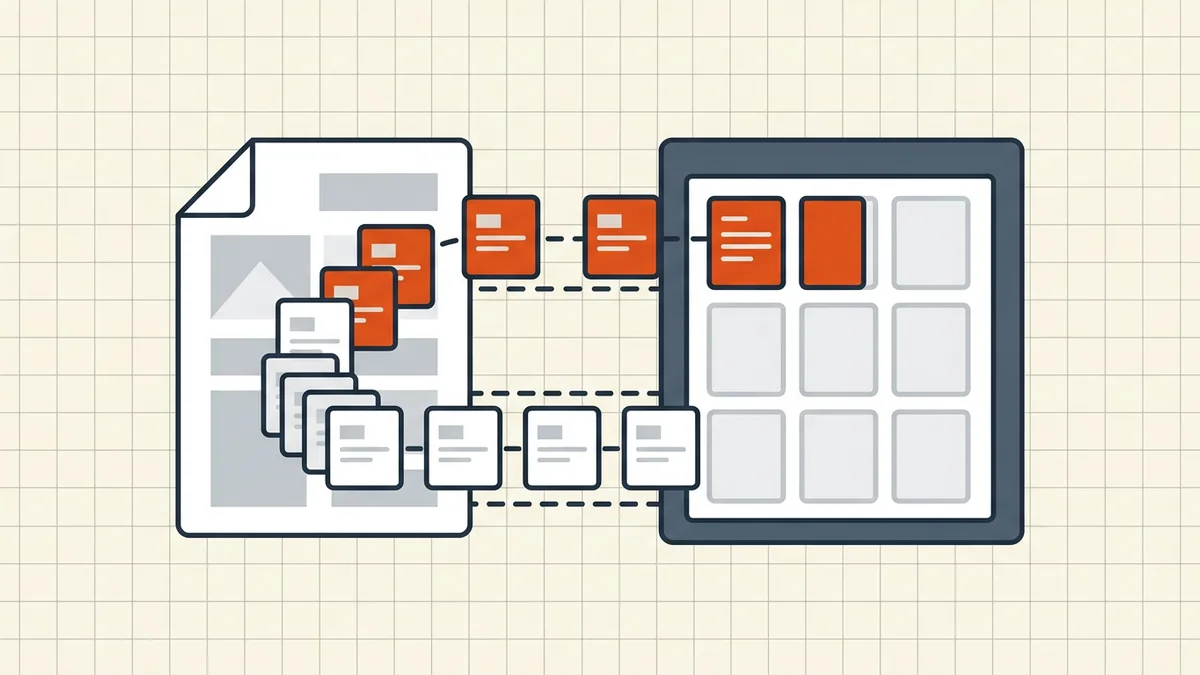
Linearization vs compression (different knobs)
| Compression | Linearization | |
|---|---|---|
| Goal | Fewer bytes | Faster start and smarter paging |
| Typical effect on size | Down (quality tradeoffs) | Flat to slightly up |
| Helps portals with KB caps? | Yes | No — caps count bytes |
| Helps slow-net first paint of a big report? | Indirectly (smaller total) | Yes (structural) |
| BytesPDF | Core feature (presets + target-size) | Not offered as a toggle |
Best-of-both pipelines: size-pass first (compression guide, exact target), then linearize in a delivery-focused tool, then smoke-test in a real browser on a throttled connection.
When it's worth it
Worth it: public catalogs/ manuals / reports over a few MB; users far from the server; mobile first-open experience; portals that stream previews before download.
Skip it: files under ~1MB; strictly offline archives (linearization is about delivery, not longevity — that's PDF/A's job); workflows where you'll re-save and destroy the flag anyway; upload fields whose only language is total size.
Server side matters
Linearization does nothing without HTTP range support. Most modern hosts and object stores are fine; exotic embedded viewers or broken proxies may ignore ranges and fall back to full download — no harm, just no win. If you don't control the host, test rather than assume.
Honest BytesPDF scope
BytesPDF does not expose a linearize / Fast Web View setting. Our compressors re-encode toward a size goal; we document what we do (how it works). Delivery-order rewrites belong in dedicated optimizers (Acrobat's optimize-for-web path, qpdf --linearize, Ghostscript pipelines). Combining tools in that order is a normal, sane pipeline — as long as someone verifies the final artifact still opens, still hits its size budget, and (if required) still carries signatures you didn't mean to break (signatures refuse rewrite).
Frequently asked questions
What does linearized PDF mean?
A linearized (Fast Web View) PDF is restructured so first-page data and hint tables sit at the front of the file. Viewers supporting HTTP range requests can render page one after a small prefix downloads, then fill in the rest — progressive display instead of 'wait for the whole file.'
Does linearizing a PDF make it smaller?
No — often slightly larger (commonly cited in the single-digit-to-low-double-digit percent range) because of the extra linearization dictionary, hint tables, and reordering overhead. Linearization optimizes delivery order; compression optimizes byte count. They solve different problems and can be combined.
When does Fast Web View actually help?
When files are non-trivial (roughly over 1–2MB), readers are remote or on slow/mobile links, and the server honors byte-range requests (most CDNs, Apache, Nginx, object stores do). Tiny PDFs that download instantly see no perceptible gain; offline desktop opens skip the whole mechanism.
How do I check if a PDF is linearized?
Open the file in a plain text editor and look for a /Linearized marker near the very start, or use qpdf/Acrobat document properties-style inspectors. Many 'optimize for web' exports set the flag as part of a broader rewrite.
Does BytesPDF linearize PDFs?
No dedicated Fast Web View toggle is offered. BytesPDF compression focuses on hitting size targets with honest quality tradeoffs; if your pipeline needs linearization, run a dedicated optimizer (Acrobat's Fast Web View option, qpdf --linearize, Ghostscript) after your BytesPDF size pass — and verify both properties if you must ship both guarantees.
Related comparisons
Source-led comparisons written by BytesPDF, with the conflict of interest disclosed on each page. They link official provider documentation rather than fabricated tests.