
Print a PDF as a Booklet: Imposition, Short-Edge Duplex, and Two-Pass Fixes
Booklet mode isn't 'print two pages per sheet' — it's page reordering plus duplex physics. How imposition works, the short-edge rule, and how to salvage a wrong flip.
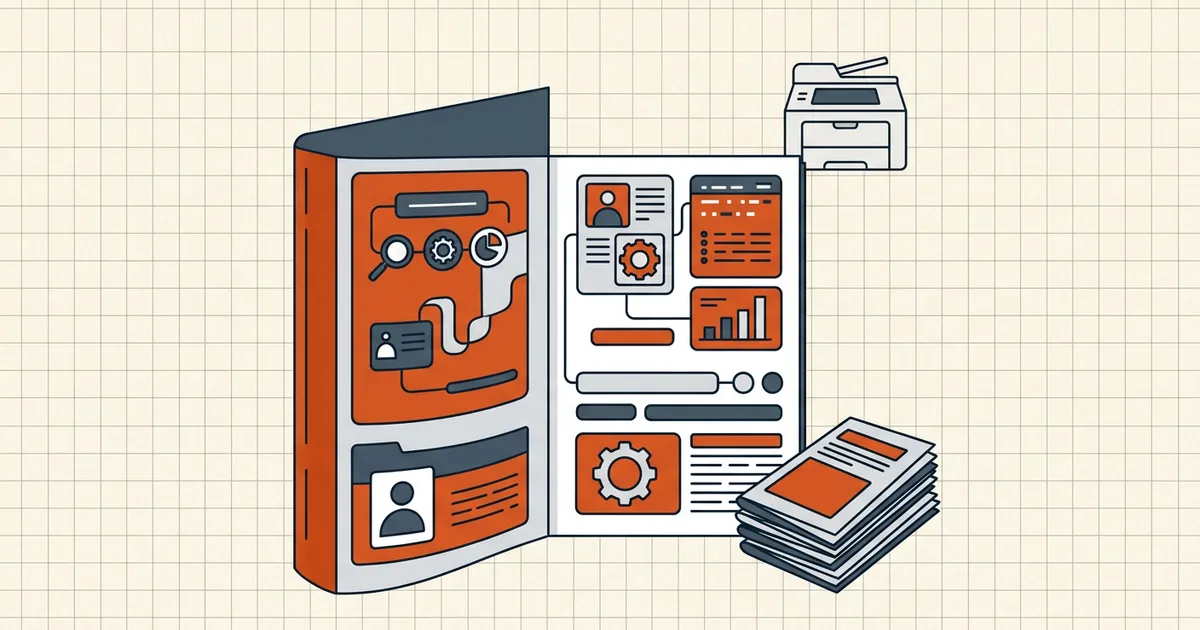
Everyone who has ever printed a zine learns the same lesson twice: duplex is not booklet, and the wrong flip edge ruins a ream.
Imposition, in one paragraph
Normal print: page 1, page 2, page 3… Booklet print: sheets rearranged so folded stacks read 1,2,3,4… Example outer/inner pattern for 8 pages: fold a landscape sheet and the outside shows 8|1, inside 2|7 — software computes this so you don't. That reordering is imposition; it's why "just print 2-up" gives you a reading-order mess that can't be stapled into sense.
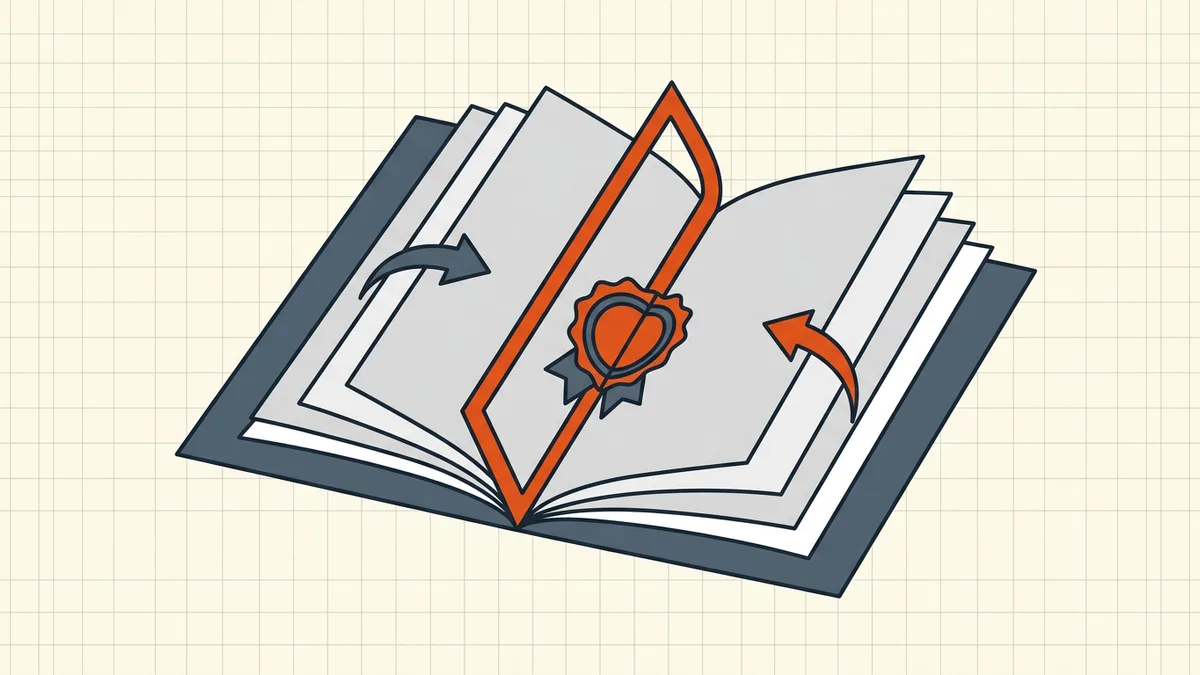
The duplex settings checklist
- Booklet mode on in the print dialog (Acrobat-class: Page Sizing → Booklet; OS dialogs vary).
- Two-sided with flip on short edge for standard portrait-pair landscapes — the #1 fix for upside-down backs (driver labels differ by brand).
- Binding edge left for normal LTR booklets; (Tall) variants only for genuinely tall formats.
- Fit/scale: shrink-to-fit beats Actual Size when margins bite; add gutter for stitch pull.
- Two test sheets, fold, crease, verify order and backs — then the full run.
Manual two-pass (no duplex hardware)
Print fronts only → keep stack order → reinsert per driver instructions → print backs. Failure classics: flipped the wrong way (mirrored backs), dropped the stack (out of order), different tray paper weight (ghosting). Number a scrap test with pencil first if the packet matters.
Prepare the PDF before paper
- Rotate wrong-way sources (permanent rotate).
- Delete blank/junk pages so page math closes in fours (remove pages).
- Merge fragments in reading order first (merge sequence).
- Proof once on screen at print size (checklist).
- Remember the printer is the last chance to notice — ink is not a draft medium.
Screen twin vs paper booklet
Often you need both: a digital PDF for email and paper booklets for the room. Compress the digital copy for its channel; leave the print master at print-appropriate quality (compression guide — same file needn't serve both blindly).
Honest BytesPDF scope
No booklet imposition at BytesPDF. We ready the pages; your print dialog's Booklet mode (or a dedicated imposition tool) rearranges sheets. That split of duties is intentional and documented — same honesty as missing split/PDF-A/form-authoring features.
Frequently asked questions
What is booklet printing for a PDF?
Booklet printing imposes pages — reorders them onto sheets so that folding and saddle-stitching yields reading order (e.g., outer sheet carries last page beside page 1). It's not the same as duplex (both sides) or N-up (just squeezing pages). Acrobat-class dialogs expose a Booklet mode; imposition apps can pre-build a booklet PDF instead.
Why are my booklet pages upside down?
Almost always a duplex flip-edge mismatch: imposed booklet sheets are landscape pairs that need flip-on-short-edge in most printer drivers; long-edge flip rotates backs 180° relative to fronts. Swap the flip setting, print two test sheets, fold, and check before the full run.
Can I print a booklet without a duplex printer?
Yes — two-pass: print fronts only, reinsert the stack with the driver's guidance (flip orientation matters), print backs. It's the classic manual duplex dance; misfeeds cause blank or mirrored backs. Practice on scrap with the same paper weight you'll bind.
Does page count matter for booklets?
Saddle-stitch signatures work best in multiples of 4 (each sheet folded = 4 pages). An odd leftover means blank pages or a different binding. Insert intentional blanks ([remove pages](/blog/remove-pages-before-sharing) from elsewhere as needed) so signatures close cleanly — reviewers forgive planned blanks, not accidental ones.
Does BytesPDF do booklet imposition?
No. BytesPDF does not perform booklet/N-up imposition (documented boundary). We prep the file — rotate, remove junk pages, merge in order, compress for digital twins — then your printer dialog's Booklet mode or a dedicated imposition tool arranges sheets.
Related comparisons
Source-led comparisons written by BytesPDF, with the conflict of interest disclosed on each page. They link official provider documentation rather than fabricated tests.