
PDF Date Created vs Date Modified (Which Date Is Which — and What Leaks)
Your PDF carries at least three dates that routinely contradict each other. Map the clocks before you trust one in a dispute — or scrub them all before you share.
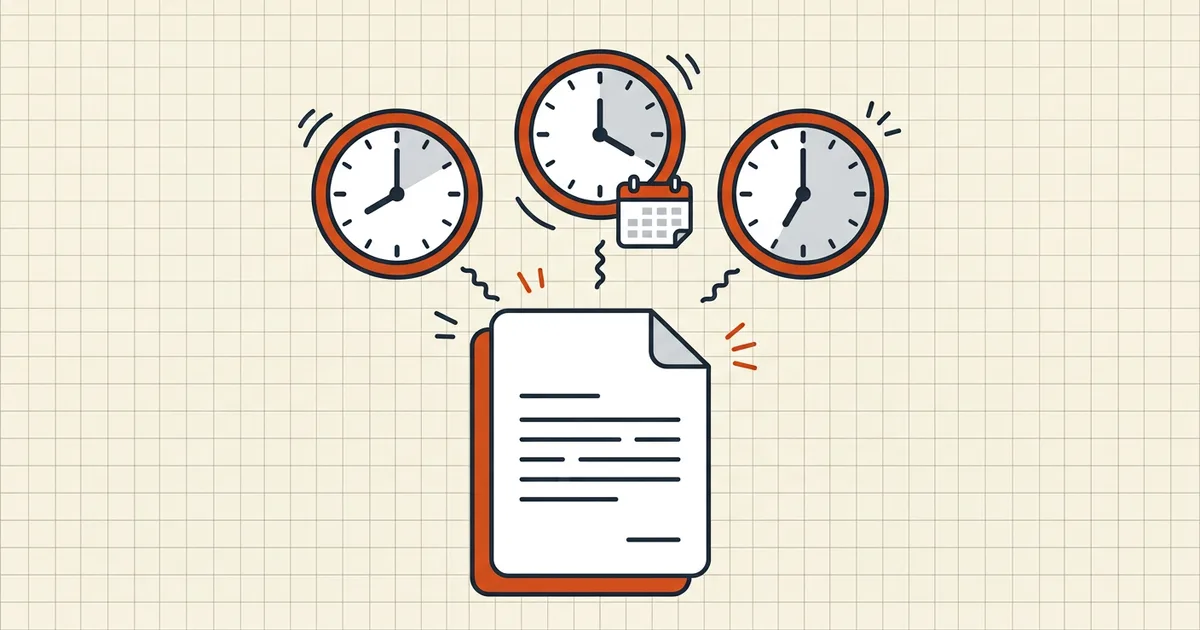
One file, three clocks, zero agreement. Before you argue about when a PDF “was made,” name which clock you're reading.
The three clocks
| Clock | Lives in | Updates when | Scrub target? |
|---|---|---|---|
| CreationDate | PDF info dict | File first written | Yes — metadata remove |
| ModDate | PDF info dict | Saving tools that honor it | Yes — metadata remove |
| OS file times | Filesystem | Copy/sync/tag/edit OS-side | Separate from PDF tools |
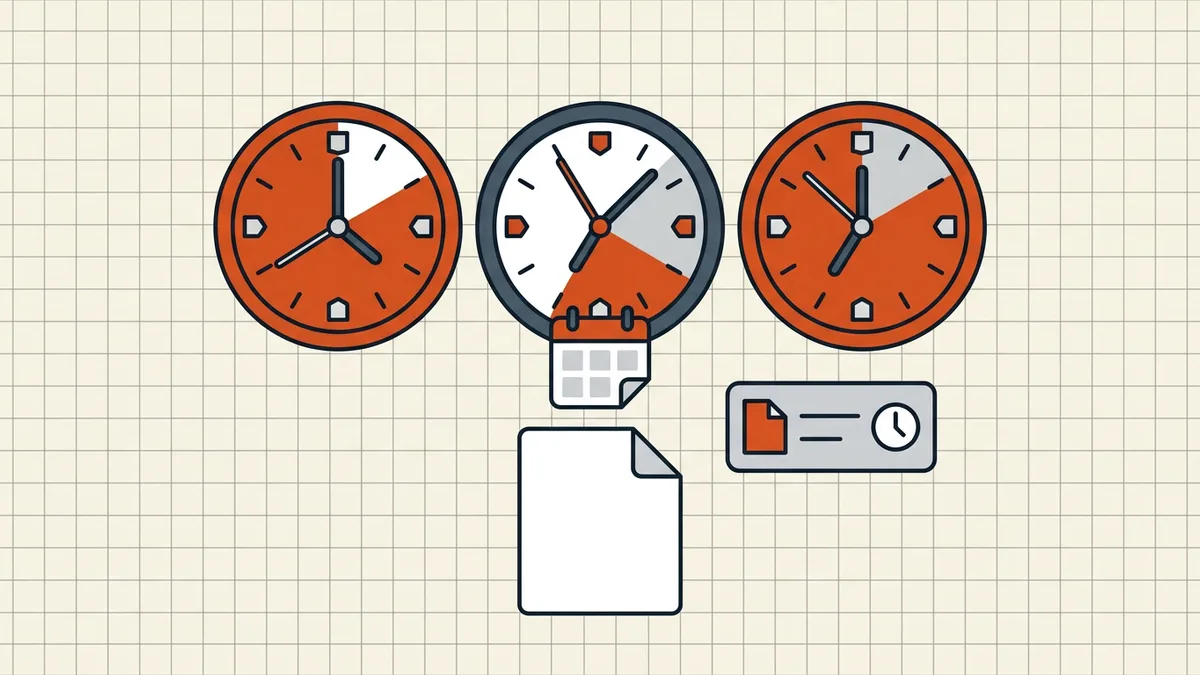
Why they disagree
- Copy to a new machine: OS times change; document dates ride along inside the bytes.
- Tagging in a file manager: some OSes bump modified; document ModDate untouched.
- Sign or fill: can bump ModDate (edit-signed).
- Converters/print-to-PDF: often stamp new CreationDate — the output is a new file.
Read Properties first, OS properties second — and write down which you mean (metadata inventory).
Before you share
- Decide: do recipients need dates? If not, scrub (remove metadata).
- Keep an internal dated original if you need provenance.
- Confirm scrubbed output shows cleared/rewritten fields — trust nothing's “probably gone.”
- Dates are one layer: also comments, form values, hidden data (full checklist).
Honest BytesPDF scope
Clean strips document metadata (including date properties) — verify after. No OS timestamp editing (not a PDF-feature, documented boundary). No fantasy “make it look authored in 2019” mode; scrub or keep, don't fabricate.
Field-by-field crib
| Field you see | Example raw | Trust level |
|---|---|---|
| CreationDate (info dict) | D:20260115093000+0200 | Claim; rewritable |
| ModDate (info dict) | D:20260402114500+0200 | Claim; rewritable |
| OS Date created | filesystem | Changes on copy tools |
| OS Date modified | filesystem | Changes on sync/tag |
| Signature time | RFC 3161 if TSA | Strongest of the set |
| Email received | mail server | Delivery, not authorship |
Raw PDF dates are plain strings — a text editor can lie. Signatures with trusted timestamps are the only row designed for disputes (timestamps).
Practical scenarios
- Portal asks for a recently generated file: Save As regenerates ModDate to now — fine; do not fight it.
- Privacy send: scrub metadata; keep an internal original (remove metadata).
- Modified jumped after only viewing: some viewers, taggers, and AV quarantine rewrites touch OS times without opening the PDF body — compare info-dict ModDate before blaming the reader.
- Received file shows a future date: timezone display bugs (UTC stored, local shown) — convert explicitly before escalating.
Form fills and annotations may stamp their own times separately — part of the hidden-data sweep (remove hidden data), not the prose dates alone.
Frequently asked questions
What's the difference between CreationDate and Modified?
CreationDate is when those PDF bytes were first written; ModDate updates on saves that honor the field (edit, sign, form fill, some converters). Both live *inside* the file as plain strings — not cryptographically sealed. The OS file's 'Date modified' is a *filesystem* attribute that can diverge entirely (copy, sync, tag operations).
Why does copied email metadata show different times?
Copying updates OS timestamps but preserves in-document dates (usually). Mail systems may display received time. Timezones (UTC storage, local display) make 'off by hours' look like tampering when it's formatting. Compare apples to apples: same field, same zone.
Can dates be changed?
Yes — trivially, with editors or metadata tools; that's also how legitimate privacy scrubs work. Implication: in-document dates are *claims*, not evidence. For serious provenance, use digital signatures/timestamps, not ModDate folklore.
How do I check and clean before sending?
Properties → Description for in-document dates; OS properties for file times. Privacy path: remove document properties / sanitize, which strips or rewrites dates plus author/producer ([metadata guide](/blog/how-to-remove-metadata-from-pdf)). Keep a dated archive copy *before* scrubbing if you need the history.
Does BytesPDF remove dates?
BytesPDF Clean removes document metadata fields including date properties (documented behavior on the clean tool page) — verify after with Properties. We don't rewrite *OS* file times (out of document scope, documented boundary) and we don't fabricate backdated 'creation' stories.
Related comparisons
Source-led comparisons written by BytesPDF, with the conflict of interest disclosed on each page. They link official provider documentation rather than fabricated tests.