
Why Your PDF Size Didn't Shrink After Deleting Pages
Page count halved, megabytes unmoved. PDFs keep deleted bytes in incremental saves and shared resources until something rebuilds the file for real.
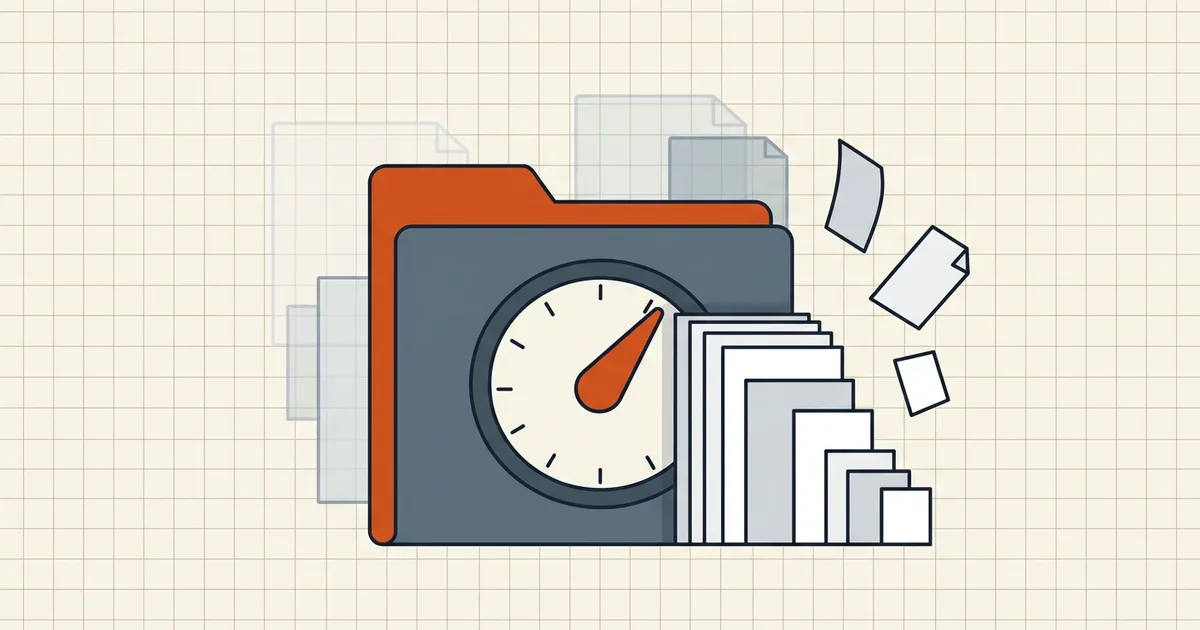
You deleted seven of ten pages. The size still says almost ten pages' worth of megabytes. The page thumbnail strip and the byte count disagree — and the bytes are honest about how PDFs store data.
The three keepers of dead weight
| Mechanism | What it does | Clear path |
|---|---|---|
| Incremental save | Appends changes; old objects remain | Save As / disable always-incremental |
| Shared resources | One image, N references | Drop only when last ref drops; else optimize |
| Cautious tools | Keep orphans to protect xrefs | Extract-keep or optimizer pass |
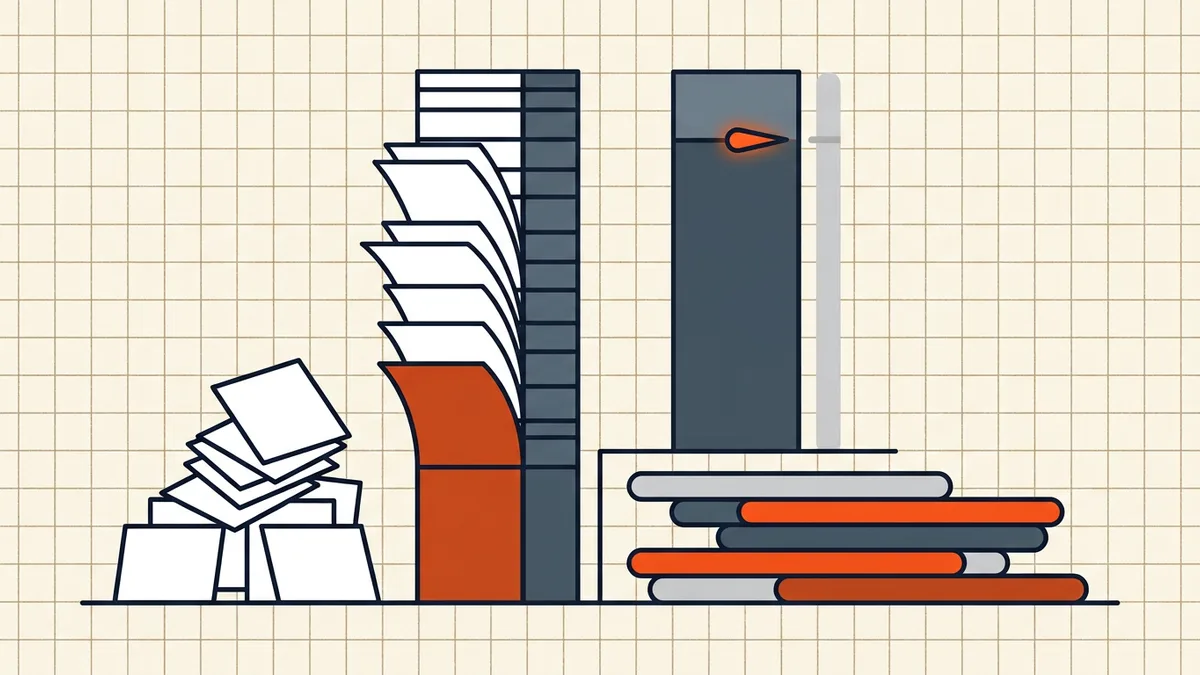
Fix order that works
- Note current size ( Properties → or
ls -l). - Prefer extract-keep: select the pages you want → extract to a new PDF. Fresh document, no baggage. Often the single fastest win on scan-heavy files.
- Or full rewrite: Save As with incremental save off (editor preference) so the file regenerates from scratch.
- Optimizer pass if still fat: discard unused objects, then image downsampling only if scans dominate (what shrinks).
- Re-measure and confirm on the pre-send checklist.
When size should barely move
Cutting three text-only pages from a 2 MB file may save kilobytes — the weight was always the images/fonts, not the page count. Match expectation to composition: why files get large before blaming the deleter.
Honest BytesPDF scope
Compress rewrites (image re-encode + structural cleanup per profile) — usually the right hammer after page surgery. We don't ship a standalone orphan-purge toggle (documented boundary). Deleting pages inside BytesPDF flows produces a fresh output file rather than an incremental append — measure after download.
Quick experiments (ten minutes)
- Extract-keep test: keep only the pages you need → new file → compare sizes. Big drop? The original was carrying incremental baggage or unused resources.
- Double-save test: in a desktop editor, Save (incremental) vs Save As (full rewrite) on the same deletion — watch the delta. If Save As wins, the preference was the culprit.
- Composition test: note whether remaining pages are mostly images or mostly text. Image-dominant survivors mean deletion was never going to move much until compression re-encodes them (what shrinks).
- Reference test: logos/stamps shared across pages stay while any page remains — by design, not a leak.
Write the four numbers down (before size, after delete-save, after extract, after compress). The pattern tells you which mechanism owned the bytes.
Editorial note on tools that "delete"
Some web tools remove the page entry but intentionally defer object cleanup for safety (xref integrity). Their output is valid and may still be heavy. If size is the acceptance criterion for a portal, judge the byte count after your final pass — deletion success and size success are separate gates (pre-send checklist).
Frequently asked questions
I deleted pages — why is the file the same size?
Three usual reasons: (1) incremental save appended your deletion instead of rewriting, leaving old objects reachable or quarantined; (2) shared resources (images, fonts) still referenced by surviving pages; (3) tools intentionally retain orphaned data to protect cross-references. Page tree ≠ byte layout.
What is incremental save?
Acrobat-style editors can leave the original file untouched and append changes — fast, but the deleted page's streams often remain in the file until a full rewrite (Save As / optimized save / linearize pass). Preferences sometimes force 'always incremental'; turn it off when size matters.
What actually shrinks it?
A rebuild path: Save As to a new name with incremental off, extract-keep the pages you want into a fresh document, or run a structural optimizer (discard unused objects). Then, if images dominate, compress once ([compression guide](/blog/what-is-pdf-compression-complete-guide)). Extract-keep often beats delete-then-save for stubborn files.
Shared images — aren't those only on deleted pages?
Identical images are stored once and referenced N times. Delete pages that use a shared logo and the logo stays while any surviving page still points at it. Objects drop only when the last reference drops — or when an optimizer garbage-collects.
Does BytesPDF free orphaned objects?
BytesPDF Compress rewrites images and document structure per its profiles — which usually clears a meaningful share of dead weight after page surgery — but we don't expose a dedicated 'purge orphans only' switch (documented boundary). Page deletion tools elsewhere may append incrementally; check size after *our* compress, not after their save.
Related comparisons
Source-led comparisons written by BytesPDF, with the conflict of interest disclosed on each page. They link official provider documentation rather than fabricated tests.