
How to Password Protect a PDF (and What Protection Actually Does)
An open password is real cryptography; permission flags are a request to the reader. Here's how to set both — and how to think about each honestly.
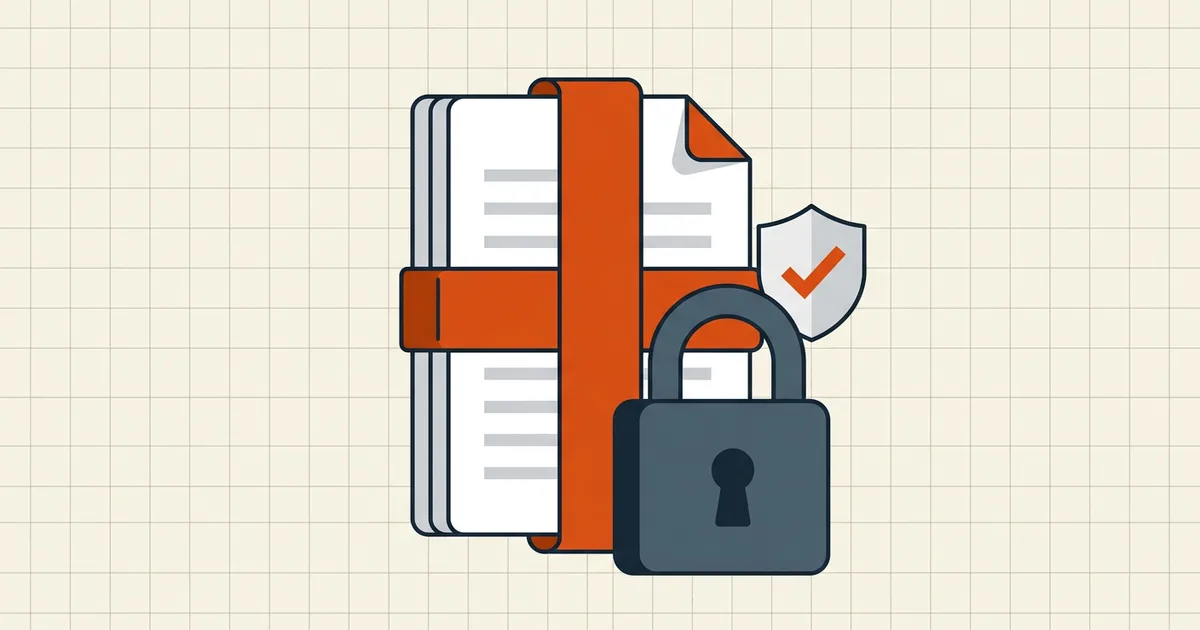
There are two different things PDF software calls "protection," and confusing them is how people send confidential files that any recipient can print anyway — or forget a password and lose a document forever. Here's the honest map.
Layer one: the open password (real encryption)
When you set a document open password (the "user password"), the PDF's content streams are encrypted. A viewer shows nothing — not a page, not a thumbnail — until the password derives the decryption key. This is genuine cryptography in the same family as the AES-256 that protects everything else you trust online.
This is the layer to use for confidentiality: bank statements, medical records, contracts, anything you'd send in a sealed envelope.
Layer two: permissions (a request to readers)
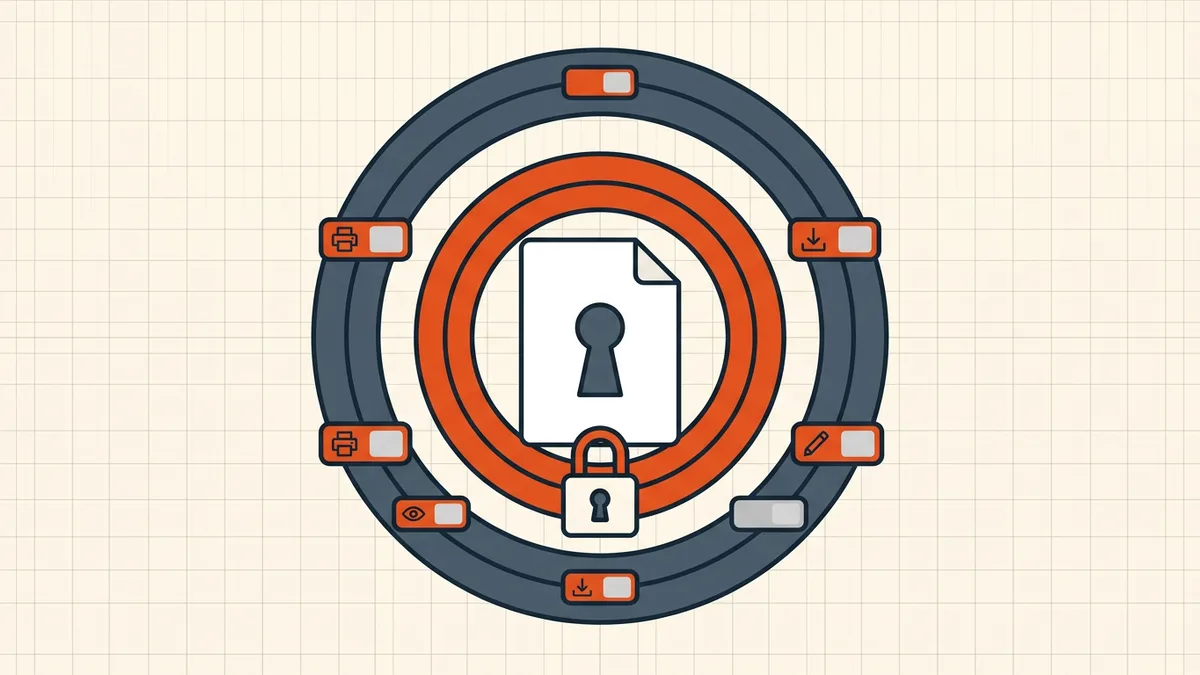
The owner password sets permission flags — allow/deny printing, text copying, editing, commenting. Compliant readers (Acrobat, Preview, most browsers) gray out the restricted actions. Understand the enforcement model honestly: for a file that opens without an open password, the content is decrypted for display; the flags ask the reader to withhold functions. Most readers comply; enforcement is a convention, not a mathematical barrier. For real access control, use the open password — the finer distinction is mapped in owner password vs. user password.
Setting it up well
- Choose a strong open password. Twelve-plus characters in a passphrase style (
tide-9-marble-KETTLE). The encryption is only as strong as this string — that's the honest math. - Decide permissions deliberately. Common useful combos: allow printing (including accessibility screen reading) but disallow copying; or read-only review copies. Blanket "deny everything" flags block assistive technology use — worth avoiding unless required.
- Send password and file on separate channels. The PDF in email, the password in a message or call. Same-document delivery is decorative.
- Record it where the team keeps secrets. For an open password there is no recovery — by design. Password managers exist for exactly this.
- Protect the final version. Encryption rewrites the file: sign after protection is settled, not before (signature invalidation).
BytesPDF Protect PDF does all of this with AES-256 in your browser — the document is never uploaded, which matters precisely for the file types that need passwords. Limits match the rest of the toolkit (150 MB desktop / 50 MB mobile per file).
Choosing the right tool at all
A password-protection tool sees your file at its most sensitive moment. The short checklist from our online-tool privacy guide: where does processing happen, is the file uploaded, and can you verify it? Browser-local processing (how it compares) keeps the document on the device through the whole operation.
Passwords in the bigger workflow
Protection is one control in the outbound sequence: edit → clean hidden data → set permissions and password → size it for the destination → sign if a signature is required. Contracts and filings follow the same spine — laid out end to end in send a contract as a secure PDF — and the pre-send checklist keeps the whole list in one place.
Frequently asked questions
How do I password protect a PDF for free?
Use a tool that encrypts the file with AES-256 — for example BytesPDF Protect PDF, which runs in your browser and never uploads the document. Set a strong open password (12+ characters, not a word), optionally set print/copy permissions, and download the protected copy.
What's the difference between an open password and permissions?
An open (user) password encrypts the content — the file will not display anything without it. Permissions (owner password) restrict actions like printing or copying for compliant readers, but the person can still read the file.
Is PDF password protection secure?
Modern PDF encryption (AES-256, revision 5/6 security handlers) is real cryptography; its weak point is the password itself. Old 40-bit RC4-era files are not comparable and should be considered breakable.
Can I recover a PDF if I forgot the password?
Not legitimately. AES-256 with a strong password has no backdoor; products claiming to 'crack' it either exploit weak passwords or are marketing. Keep the password in a password manager.
Does password protecting a PDF change the pages?
No. Encryption wraps the file's streams; the pages render identically once decrypted. But the file's bytes do change — a digital signature applied before protecting will no longer verify, so protect first and sign after, or sign the protected copy's workflow accordingly.
Related comparisons
Source-led comparisons written by BytesPDF, with the conflict of interest disclosed on each page. They link official provider documentation rather than fabricated tests.