
Can You Stop a PDF Being Forwarded? What Actually Works
The blunt truth: encryption can't un-send a file. But the practical controls — revocable links, named access, watermarking — remove the *easy* forward. Here's what each really stops.
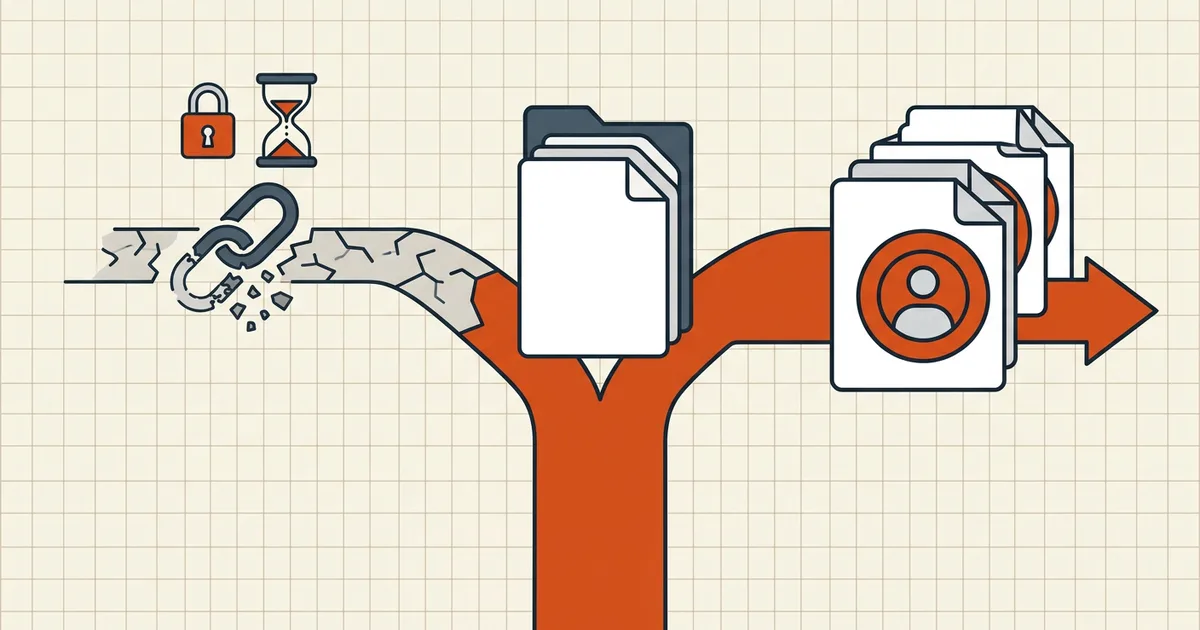
Every few weeks the same question lands in forums: how do I stop recipients from forwarding my PDF? The technically-correct answer — "you can't" — is also useless on its own. The useful answer is a ranked list of controls that remove the easy forward and make the hard one attributable.
The physics, stated once
A PDF a recipient can open is bytes on their device (or a page their browser rendered). Bytes can be copied; screens can be photographed. Every honest control below is either:
- Removing the file from the equation (they never receive forwardable bytes), or
- Adding attribution/friction (forwarding works but is detectable or unattractive),
never: making viewing possible while making copying impossible. That combination doesn't exist for standard PDFs.
The ranked controls
| Rank | Control | Stops | Doesn't stop |
|---|---|---|---|
| 1 | Share a link, not a file (view in browser, access gated) | The literal forward of an attachment — there is no attachment | Screenshots; link-sharing outside your gates |
| 2 | Identity-gated access (named emails, verification) | Leaked links opened by strangers | The named person re-sharing their session |
| 3 | Expiry + revocation | Time-boxed leaks (old links die) | Copies taken while valid |
| 4 | Per-recipient watermarking (visible: name/time) | Anonymous leaks — attribution survives the copy | The leak itself; removing visible watermarks is possible, which is why it pairs with #1–3 |
| 5 | Password + out-of-band delivery | Transit/mailbox/bystander exposure (done right) | Recipient holding both halves |
| 6 | Permission flags (disable copy/print) | Honest readers' casual Ctrl+C | Everything else — they're advisory |
What this means for how you actually send
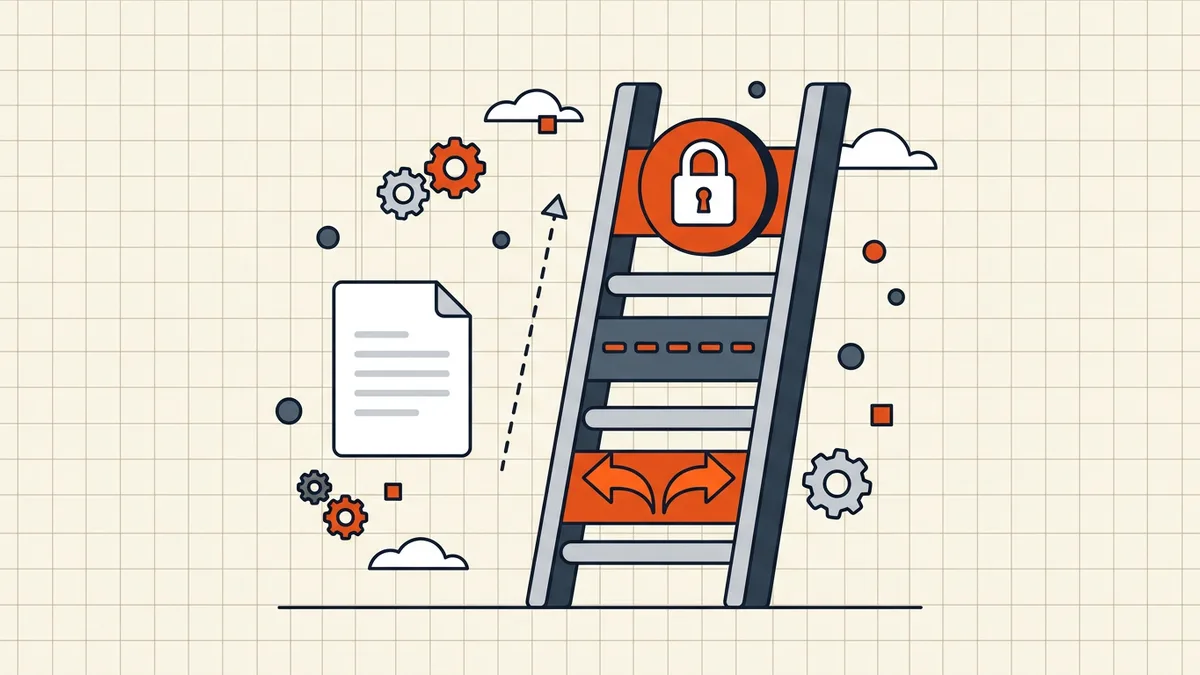
- High-sensitivity one-offs (contracts, personal data): prefer the workflow stack — clean → size → protect → sign last — plus out-of-band password. You've minimized casual exposure; signatures give you after-the-fact integrity.
- Recurring team documents: stop mailing files entirely — share activity, not documents: one canonical copy, permissioned access, handoffs in a workspace layer (Team Workspace).
- **When someone must have the file**: accept the physics, watermark it, and choose recipients like the copies will spread — because the one you send is the one that starts the spread.
Frequently asked questions
Can you technically stop someone from forwarding a PDF?
If they can view it, they can usually copy it — screenshot, photograph, print, or forward the file itself. No PDF format feature guarantees otherwise; DRM-style systems add friction and tracking, not impossibility. The honest goal is removing the *easy* forward and making the hard one attributable.
Does password protection stop forwarding?
No — the recipient has the password; forwarding file + password is trivial. Encryption protects the file *before* the intended recipient holds both halves: transit, mailbox copies, stray attachments. After delivery it's friction, not a fence ([delivery rules](/blog/send-password-protected-pdf-safely)).
What actually reduces unauthorized sharing?
Ranked by real effect: (1) don't send a file — share a revocable, identity-gated link so there's nothing to forward; (2) named access + expiry so a leaked link dies; (3) per-recipient watermarking so leaks are traceable; (4) permission flags as casual-deterrent only ([they're advisory](/blog/pdf-owner-password-vs-user-password)).
Do 'disable download' buttons work?
Against casual users, yes — they remove the obvious button. Against anyone with dev tools, a screenshot, or a phone pointed at the screen, no. They shift effort, not capability. Fine as part of a stack; dangerous as the whole plan.
Is there a PDF format that can't be forwarded?
Only proprietary viewer-locked formats that require specific software and a server to authorize each open — at which point it's no longer really a PDF you're sharing, it's a link with extra steps (and that *can* work: it's the secure-link model wearing a PDF costume). For standard PDFs, no.
Related comparisons
Source-led comparisons written by BytesPDF, with the conflict of interest disclosed on each page. They link official provider documentation rather than fabricated tests.