
PDF File Naming Conventions That Survive a Real Archive
`Scan001.pdf`. `Scan001_final.pdf`. `Scan001_final_v3_REVISED(2).pdf`. Six months later nobody — including the person who created them — can find anything without opening files one by one. A naming convention is the cheapest records-management system that exists, and almost nobody sets one up.
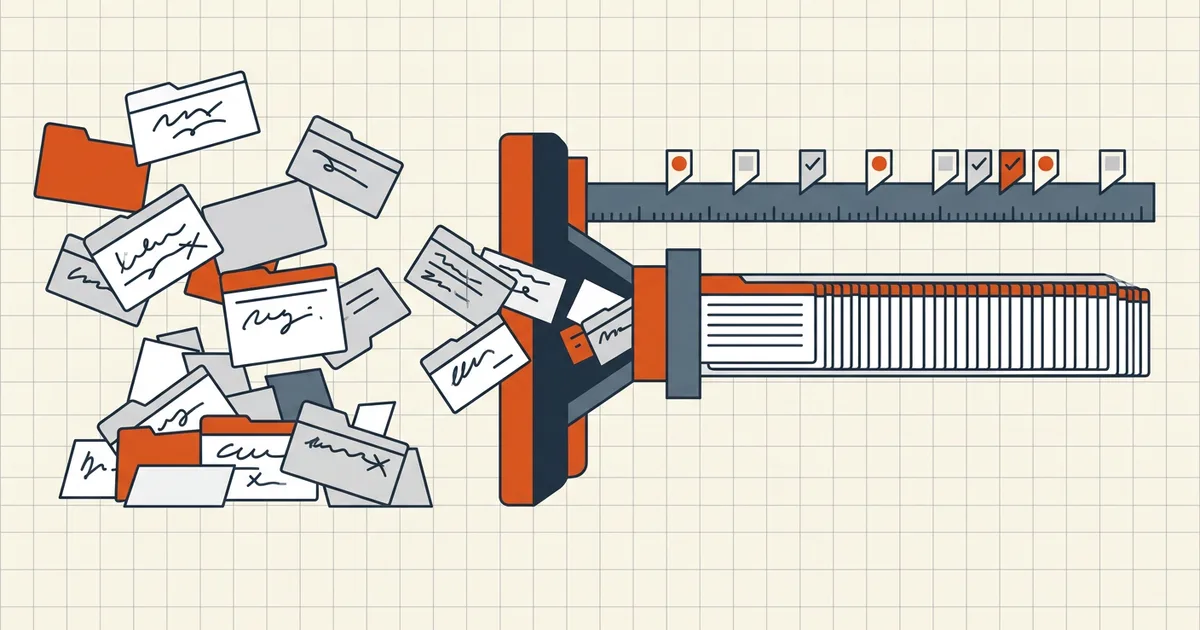
Scan001.pdf. Scan001_final.pdf. Scan001_final_v3_REVISED(2).pdf. Six months later nobody — including the person who created them — can find anything without opening files one by one. A naming convention is the cheapest records-management system that exists, and almost nobody sets one up.
The pattern that works almost everywhere
YYYY-MM-DD_Type_Reference_Description.pdf
Examples:
2026-03-14_Contract_Acme-Renewal_signed.pdf2025-11-30_Invoice_INV08841_AcmeLtd.pdf2026-09-23_Scan_Passport-Bio_v01.pdf
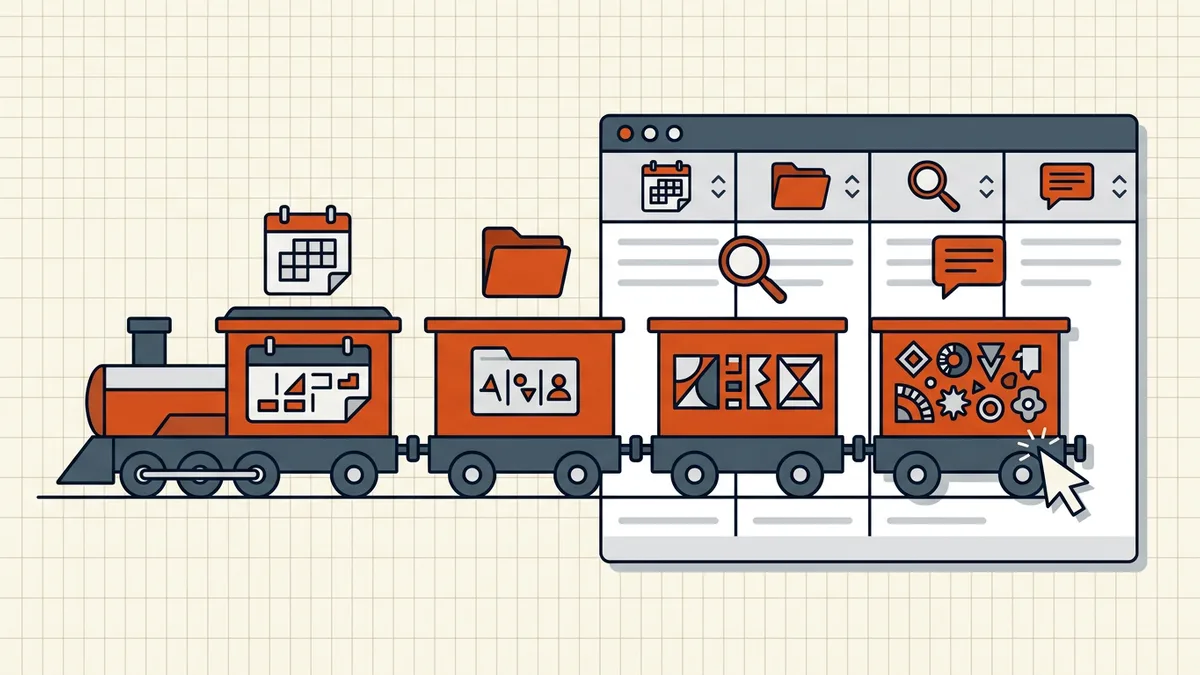
Why each piece earns its place:
- Date first, ISO format — the only date arrangement that sorts chronologically as text.
2026-03before2026-04falls out for free in any file browser. - Document date, not scan date — the record's own date; scan timestamps belong in metadata if anywhere.
- Fixed element order — the whole point of a convention is that sorting on column 1 always means "by when."
- Controlled vocabulary —
Invoice, notInv/inv/invoice_finalside by side. A one-page word list kills drift. - Separators: hyphen or underscore, never spaces — spaces break URLs, scripts, and sync tools; slashes, colons and asterisks are illegal on some systems outright.
- Version discipline —
v01,v02(zero-padded), statuses likedraft/signedas suffixes. Never encode versions as words:finalalways breedsfinal2. - Length budget — essentials only; ~60-80 characters max before truncation and path-length pain.
Sensitive data stays out of names: a file called 2026-04-02_Patient-SMITH-Asthma-Notes.pdf leaks in email subject lines, backup logs and folder listings — a reminder that names are shared surfaces too (PII removal).
Rolling it out (and the existing mess)
Write the convention down — one page, pattern + two right examples + one wrong example. Where do scanned documents come in? Agree the pattern before scanning sessions, not after the pile exists.
For files already on disk: don't boil the ocean. Rename the folders you touch weekly (current projects, active clients, this year's records) with batch renaming — pattern plus preview plus ZIP out — and let search handle the archaeology. A convention you enforce on new files beats a perfect one you abandon halfway through the backlog.
Names, folders, and metadata each do a different job
Confusing the three is how conventions collapse:
- Folders carry context that applies to everything inside (
/Clients/Acme/2026/Invoices/). Put the date at the folder level only when whole periods move together; otherwise the date belongs in the filename so single files stay self-describing when detached from their folder. - Filenames must make sense alone — in an email attachment, a download list, a WhatsApp message stripped of thread context. That's why date + type + reference travel inside the name even when a folder already implies them.
- PDF metadata (title, author — see what metadata reveals) is invisible in most file browsers. Useful for archive tooling, useless as the primary sort key for humans. Set it when exporting if your pipeline reads it; never rely on it instead of the name.
A file that is correctly named, correctly filed, and correctly tagged isn't over-engineered — each layer survives different failure modes (detached file, bulk move, programmatic index).
What breaks conventions in practice
Three recurring failure patterns, and the fix for each:
- Tool-generated names win by default. Scanners and camera apps emit
IMG_4482.pdforscan0001.pdf. Change the capture template once (most scanner apps and MFPs allow a prefix pattern), or rename on the way in — the inbound checklist habit applies to receiving too. - "Just this once" exceptions.
FINAL_final_ACTUAL.pdfis an exception that bred. If a one-off name is truly necessary, it still starts with the date — sort order never depends on remembering the exception. - No owner. Conventions drift when everyone owns them. Name one person (or one team) who reviews the pattern quarterly; five minutes beats a reorg of the archive.
Quick self-audit
Open your busiest folder and check five random PDFs against the pattern: date first? document date (not download date)? controlled type word? no spaces? no personal details in the name? If three of five pass, you're close — batch-fix the outliers. If none pass, start with this year's files only and let the convention prove itself before touching history.
Frequently asked questions
What is a good file naming convention for scanned documents?
A fixed element order — date first (YYYY-MM-DD), then client/dept, document type, and a reference — separated by hyphens or underscores, no spaces. Example: 2026-03-14_HR_Contract_E10432.pdf. Consistent beats clever: one pattern everyone follows beats five patterns everyone invents.
Why should the date go first in a file name?
YYYY-MM-DD at the front is the only date format that sorts chronologically as plain text in any file browser. Records line up by period automatically — which matches how audits, retention reviews and inquiries actually run.
Should I use the document date or the scan date?
The document date — when the invoice was issued, the letter written, the contract signed. The scan date is process metadata about digitization, not about the record. Misfiled scan dates scramble chronology.
How long should PDF file names be?
Under ~60-80 characters. Long names truncate in file listings and collide with OS path limits when folders nest deep. Carry context in folders and metadata; keep the name to date + type + reference + short description.
How do I rename thousands of existing PDFs?
Batch rename with a pattern engine (prefix/suffix, find-and-replace, numbering, dates) with live preview — the [rename tool walkthrough](/blog/how-to-batch-rename-pdf-files) covers the mechanics. Start with the folders you actually use; leave dormant archives to search.