
Rename PDFs by Content (Invoice Numbers, Dates Inside the File)
scan_0001.pdf through scan_500.pdf become 2026-03-15_Acme_INV-4521.pdf — but only if something reads every page. Content rename is powerful and privacy-sensitive; use it deliberately.
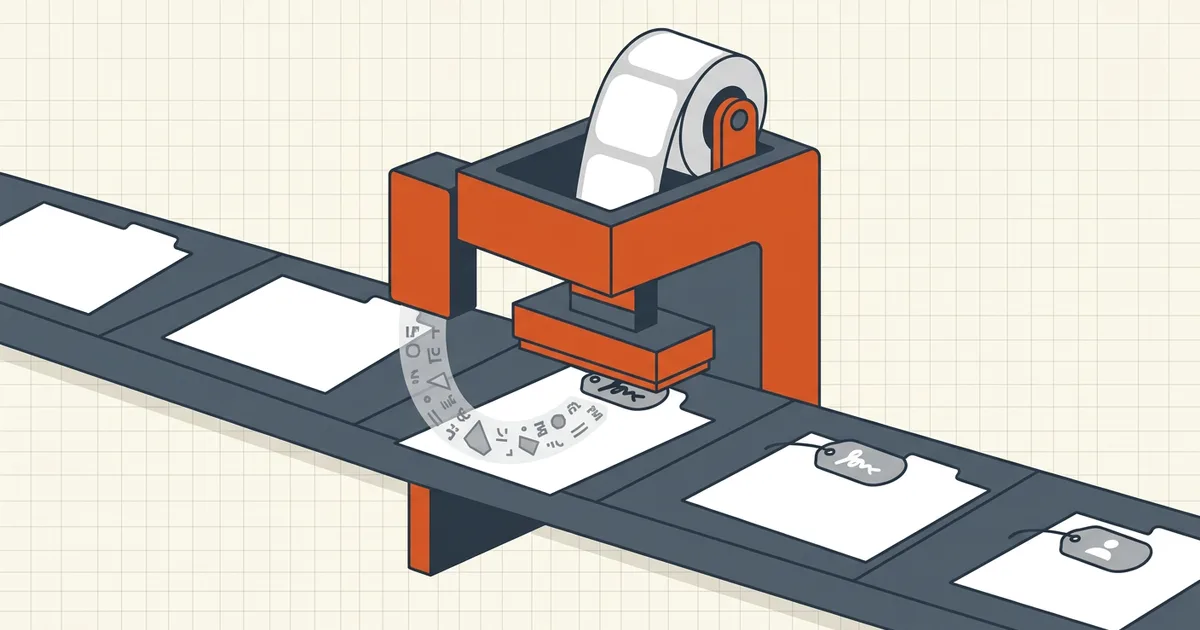
The folder is scan001.pdf … scan500.pdf. Nobody can find March's Acme invoice. Two philosophies:
- Pattern rename — reshape names you already trust
(batch rename).
- Content rename — open each file and read it (this guide).
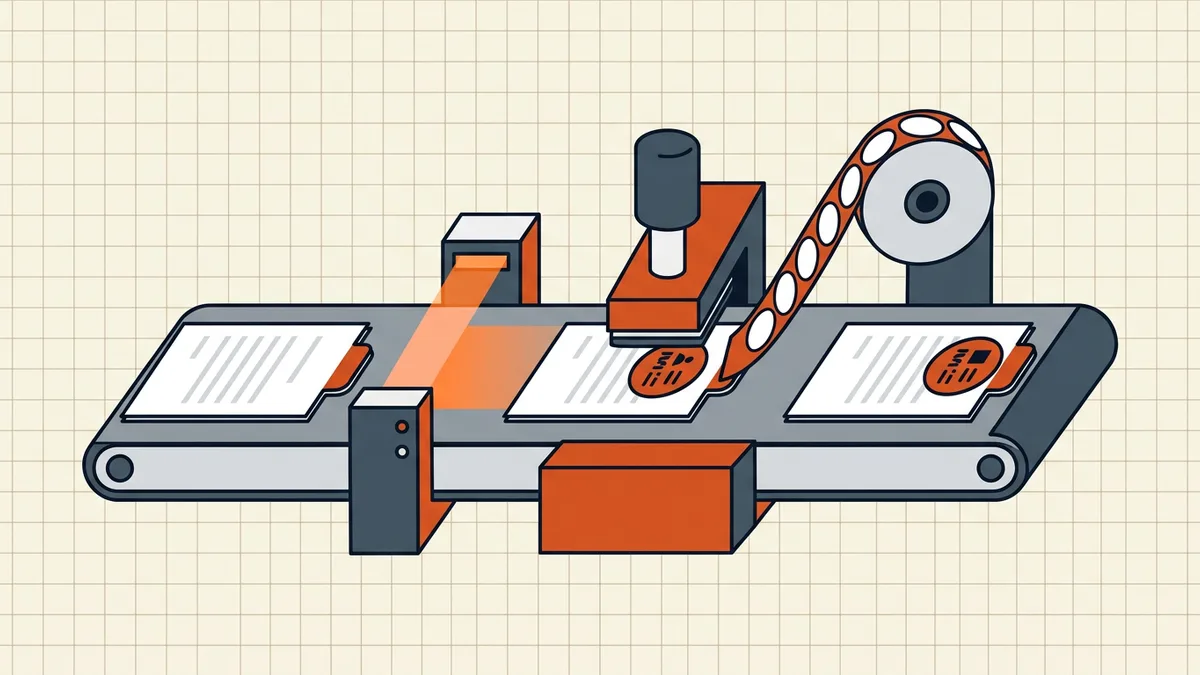
Content rename pipeline
| Step | Local-friendly route | Upload-risk route |
|---|---|---|
| Get text | On-device OCR (safe OCR notes) | Cloud OCR API |
| Extract fields | Regex/low-code on local text | Vendor AI parser |
| Build names | Pattern batch rename local/browser | Their ZIP out |
| Verify | Spot-open 5% of renames | Same |
When patterns are enough
- File dates already align with fiscal periods.
- Original names contain vendor tokens worth find-and-replace.
- You can prefix a counter + project code in one pass.
When patterns are not enough: true scanner noise with zero signal inside the name (but signal on page 1).
Privacy bar
Content readers see every page. Payroll, medical, and client invoices do not belong in novelty web renamers (privacy risks). Prefer: OCR local → skim fields → pattern apply. Then run pre-send QA on anything that leaves the folder.
Honest BytesPDF scope
Rename tool = patterns only (no content read; tool page + batch-rename guide are the capability source). Pair with local OCR workflows above for the content half — we will not pretend the browser renamer opens your invoices.
Decision table
| Folder state | Tool |
|---|---|
| Names already have dates/vendors | Pattern rename only |
| File mtimes reliable, names junk | Pattern using date tokens + counter |
| Only page 1 knows the truth | Content extract → pattern apply |
| Sensitive invoices/PII | Local OCR + local pattern — no bulk cloud |
| One-off 10 files | Manual rename after skim |
After rename
- Spot-open mismatches (wrong vendor = OCR error).
- Check portal-facing names against destination rules
(naming).
- Keep an old→new map for audit (batch tools that preview usually export it).
Content rename solves findability; it does not replace governance — ISO dates first, stable vendor slugs, no spaces if the destination is picky (filename rejects).
Privacy decision (explicit)
Content rename requires page reads. Treat that the same way you would treat handing a stranger a stack of invoices. For personal tax folders a local hybrid is enough. For client files under NDA, check the contract before any cloud OCR — online tool risks, safe OCR framing.
BytesPDF's bulk rename never opens pages: prefixes, counters, find-replace, preview. That is the honest product boundary — pair it with on-device OCR for the content half of this pipeline.
Frequently asked questions
What is content-based PDF renaming?
Instead of transforming the old filename, a tool opens each PDF, extracts fields (vendor, invoice number, date, amount) — via text layer or OCR — and builds a new name from a pattern like {date}_{vendor}_{inv}. Best when the folder is full of scanner defaults.
How is this different from pattern batch rename?
Pattern rename rearranges strings you already have (prefix, counter, date-from-filename). Content rename must *read pages* — higher privacy bar, slower, needs OCR on scans. If old names or file dates already carry signal, start with patterns.
Is it safe to upload invoices to a rename service?
Only if you trust the processor. Invoices are sensitive. Prefer local OCR + a local pattern pass: make scans searchable on-device, skim/extract fields locally, apply names with a browser-local pattern tool — no bulk upload of financial PDFs to random SaaS.
Can BytesPDF rename by content?
No — Rename PDFs in Bulk is pattern-based (prefix, counters, find-replace, live preview) and does not read page contents (documented boundary). The hybrid path: local OCR → field map → pattern rename in BytesPDF.
What naming pattern should I use for invoices?
ISO date first for sort order, then vendor slug, then invoice id: 2026-03-15_acme_INV-4521.pdf. Conventions and anti-patterns live in the naming guide; preview every rename before apply.
Related comparisons
Source-led comparisons written by BytesPDF, with the conflict of interest disclosed on each page. They link official provider documentation rather than fabricated tests.