
How to Redline a PDF Contract (What Comparison Tools Actually Show You)
A redline shows what changed between two versions — it does not create a negotiable Word-style markup. Get a trustworthy diff of PDF contracts without overselling what the tool does.
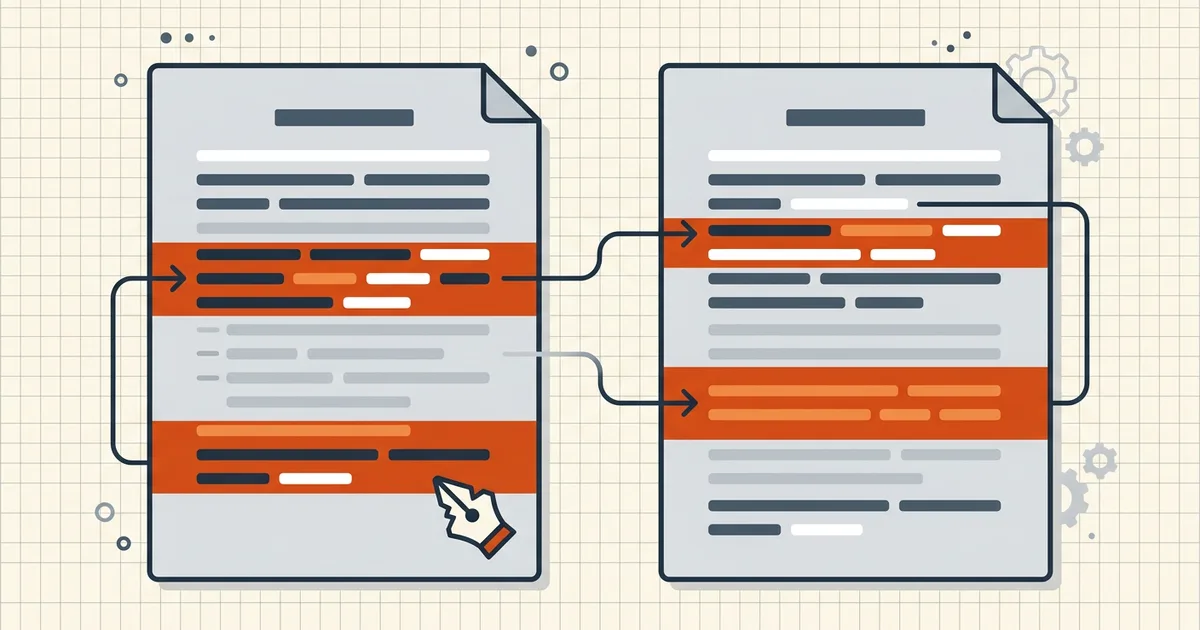
"Please redline their markup." In paper days that meant a literal red pen. Today it usually means: show me every word that changed between the version I approved and the version in my inbox. With PDFs, that's a comparison job — and being honest about what it isn't keeps you out of trouble mid-negotiation.
Redline vs track changes (the distinction that matters)
| Word Track Changes | PDF redline (diff) | |
|---|---|---|
| When it happens | Live, while editing | After the fact, between two files |
| Output | Per-change accept/reject | Highlight report of differences |
| Negotiable? | Yes — counterpart can accept/reject | No — it's a review artifact |
| Needs both versions? | No (one tracked file) | Yes — original and revised |
If the counterparty needs to click "accept" on each clause, the negotiation belongs in Word (or a CLM tool), not in a PDF. If you're reviewing what a counterparty did to your exported draft, a PDF diff is exactly right. Export-path gotchas when drafts travel through PDF are covered in tracked changes at export.
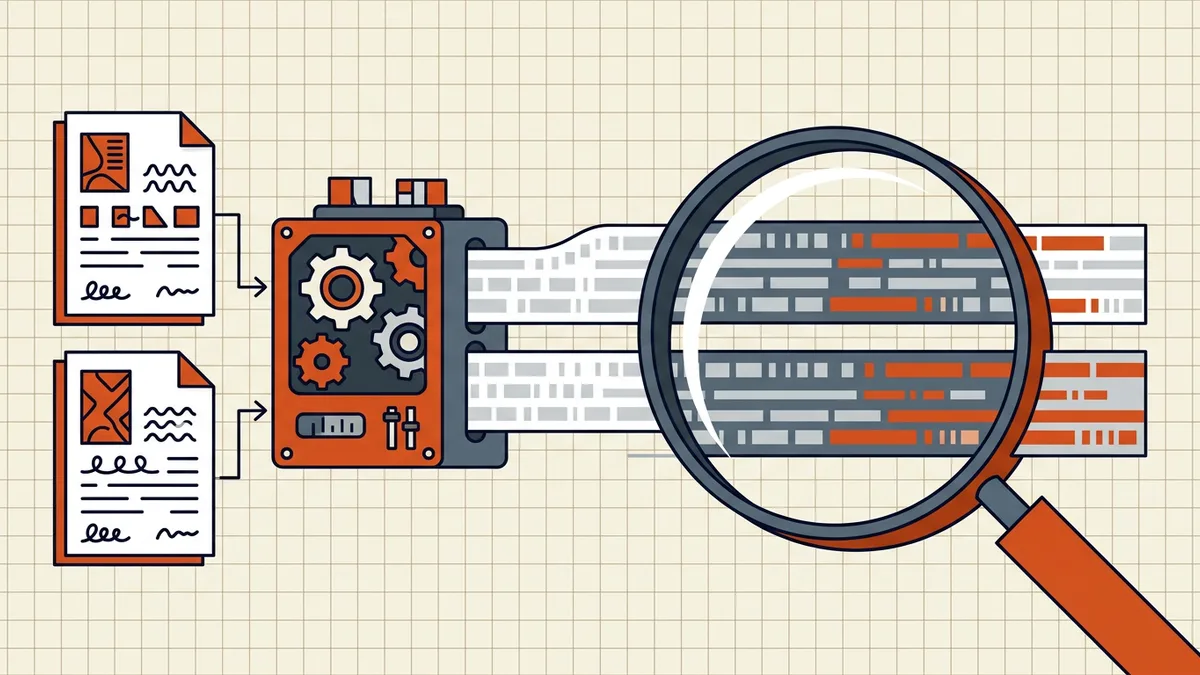
The trustworthy PDF redline workflow
- Pin the versions. Name them with dates (naming conventions):
2026-09-23_MSA_Acme_v3_clean.pdfvs..._v4_counterparty.pdf. Never diff against "latest." - Confirm both have text. Select text in each file. If selection fails, it's a scan → OCR both sides first, same engine and settings both times.
- Run the comparison. BytesPDF Compare PDFs diffs line-level, in-browser — neither draft is uploaded. Changed / added / removed lines surface side by side.
- Triage every flag:
- Visible on the page image? → real change; read it in context.
- Not visible? → OCR ghost or encoding noise; confirm before emailing anyone about it.
- Visual pass for what text can't see — renumbered headings where words didn't change, stamps, signature-block dates, logo swaps. Side-by-side at 100% zoom.
- Route the outcome: wording changes → redline report to counsel/negotiation channel; execution → secure contract sequence (compress → protect → sign last).
What PDF redline is bad at — say so out loud
- No accept/reject buttons. You're reading a diff, not operating Word's reviewing pane.
- Formatting is invisible to the diff. Typeface, spacing, and bold changes don't move the text stream enough to flag.
- Signature blocks always "differ." Dates and printed names change at signing; don't send a panicked email about clause 12 because the signature page updated.
- Heavy OCR = heavy noise. Garbled recognition manufactures fake edits — fix input quality first (accuracy tips).
When to stay in Word instead
Active multi-round negotiation with a counterpart who will edit again → keep a .docx with Track Changes on and convert to PDF only at execution. Redline-PDF shines when the artifacts you have are PDFs: countersigned copies, portal-locked forms, scans of marked-up paper, or a draft that already left Word months ago.
Frequently asked questions
What does it mean to redline a PDF?
Comparing two versions of a contract and surfacing every wording change — insertions, deletions, moved clauses — so reviewers can see what differs from the draft they last saw. In PDF-land this is a text comparison (diff), not in-place editing with accept/reject buttons like Word Track Changes.
Is PDF redline the same as Word track changes?
No. Track Changes records edits as they happen inside Word and stays negotiable (accept/reject per change). A PDF redline is produced after the fact by diffing two final files; the output is a highlight report. Neither replaces the other: negotiate in Word if you need click-level accept/reject; diff PDFs when you only have the signed or exported versions.
Can I redline a scanned contract?
Not directly — image-only scans have no text to diff. OCR both versions first with the same settings, then compare the OCR'd copies. Review flagged lines against the page images: OCR noise creates phantom changes. Full workflow: [compare scanned PDFs](/blog/compare-scanned-pdf-versions).
What can PDF text comparison miss?
Formatting-only edits (bold→italic), layout moves, swapped logos, signature-block timestamps, and stamp changes that don't alter recognized words. Treat the diff as the first pass on wording; run a visual side-by-side for anything where presentation itself is the term.
Does BytesPDF Compare do redlining?
BytesPDF Compare PDFs runs line-level text comparison locally in the browser and shows changed/added/removed lines side by side. That's a redline report for wording — not a Word-style negotiation layer, and not a substitute for counsel. For scans, run OCR first; for born-digital drafts, drop both files in and diff.
Related comparisons
Source-led comparisons written by BytesPDF, with the conflict of interest disclosed on each page. They link official provider documentation rather than fabricated tests.