
How to Batch Rename PDF Files (Patterns, Numbers, Dates)
scan_0001.pdf through scan_0047.pdf help nobody. Pattern-based batch renaming fixes a folder in one pass — provided you preview first.
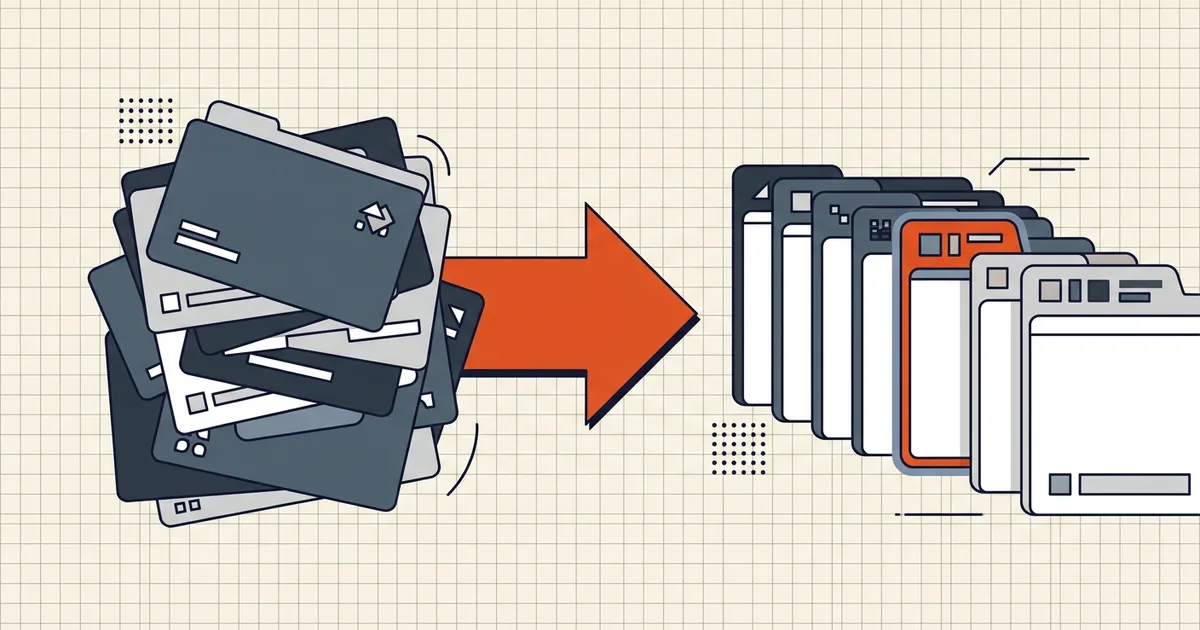
Scan_0001.pdf. Scan_0001 (1).pdf. Untitled-3-final.pdf. Nobody's filing system survives the scanner's default naming — and renaming forty files by hand is where patience goes to die. Batch renaming fixes the whole folder in one pass. The only requirement that matters: a preview before anything changes.
Pattern-based renaming, the workhorse
Most batch jobs don't need AI; they need one good rule applied forty times:
- Prefixes and suffixes.
2026-Q3_on everything from a quarter's folder. - Find and replace.
scan→statement,IMG_→2026-09-23_receipt_. - Sequential numbering.
exhibit-01.pdf…exhibit-12.pdfwith zero-padding so sorting is sane. - Date stamps. From the file's date or a fixed string.
- Combinations. Date + description + counter is the classic invoice pattern:
2026-09-23_acme-invoice_0041.pdf.
BytesPDF Rename PDFs in Bulk is built exactly this way — pattern rules, live preview of every old → new name, and a ZIP of the renamed copies. It runs in your browser and never modifies file contents; it's naming, not editing.
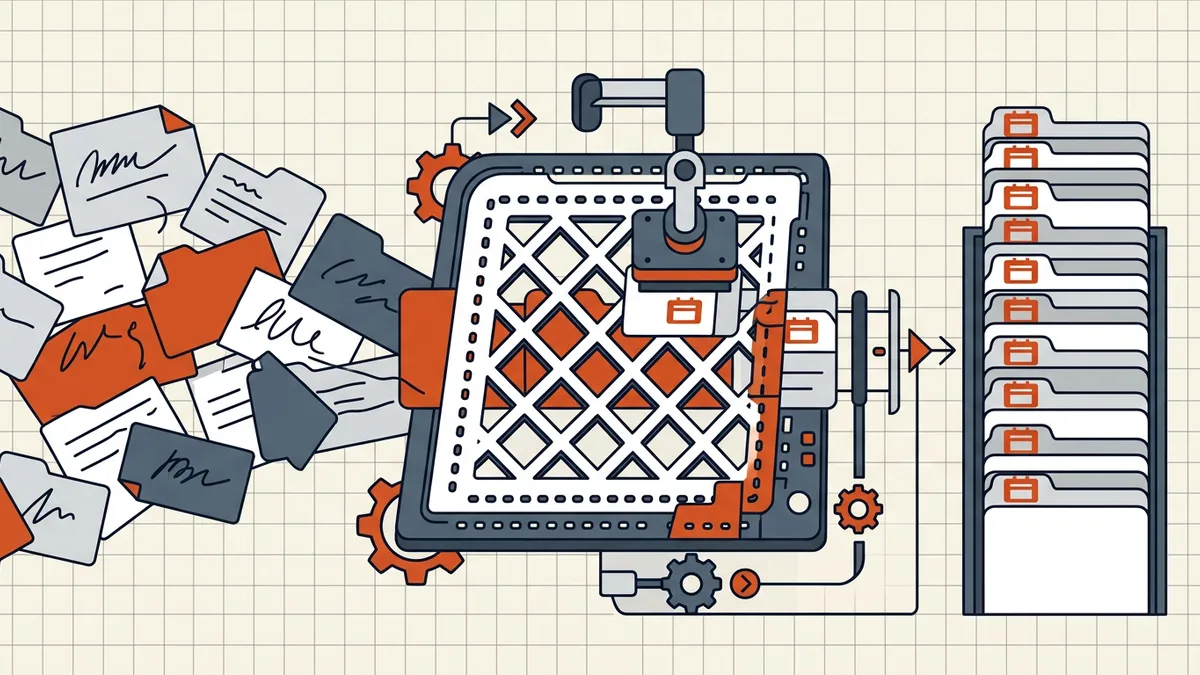
Naming conventions that age well
Whatever tool you use, the schema matters more than the mechanics:
- Date first, ISO format.
2026-09-23_…sorts chronologically in every OS and survives locale differences.23-09-2026does not. - Deliberate separators. Underscores or hyphens over spaces — fewer escaping headaches in scripts, URLs and command lines.
- Stable keywords over wit.
bank-statement,lease-signed,passport-biobeatimportant!!at 3 a.m. search time. - Zero-padded counters (
001,002) when numbering. - No "final". Dates and versions (
v2) instead — "final" is a promise no folder has ever kept.
When the names need to come from the content
Pattern renaming needs a usable signal in the old names or file dates. When scan_0047.pdf is really "March invoice from Acme", some rule has to read the document — that's content-based renaming, and it raises the privacy bar: the tool reads every page. Desktop utilities and OCR-assisted flows can do this locally (the same on-device principle as local OCR); many web services do it server-side. For sensitive folders, the split matters more than the feature list.
A practical hybrid: run OCR locally to make scans searchable (how), skim the first pages to build a rename map, then apply the map with pattern-based batch renaming — content-aware without the upload.
The safety ritual (two minutes, always)
- Work on a copy of the folder when the batch is large or the pattern is new.
- Read the preview. Every row. This is the entire safety model.
- Watch for collisions — two files mapping to one name is the classic batch failure.
- Spot-check three files after applying.
- ZIP for transport (ZIP download output is one way to collect the batch) and run the outbound pass — pre-send checklist — before anything leaves.
Renaming is content-neutral — the bytes of each PDF are untouched, signatures included — so it's safe at any point in the document workflow, unlike everything in what breaks signatures.
Frequently asked questions
How do I rename multiple PDF files at once?
Use a batch rename tool with a pattern: define the naming rule once (prefix + counter + date, find-and-replace, etc.), preview every proposed name, apply to the folder. BytesPDF Rename PDFs in Bulk does this in your browser with a live preview and ZIP download of the renamed copies.
How should I name my PDF files?
Date-first, sortable conventions win: 2026-09-23_bank-statement_statement-id.pdf. ISO dates sort chronologically everywhere, underscores or hyphens avoid space-escaping problems, and stable keywords beat cleverness for search.
Can I rename PDFs based on their content?
Content-based renaming (extracting dates or parties from inside the file) requires reading each document — with sensitive files prefer tools that read locally (OCR-assisted flows exist on desktop). Pattern-based renaming covers most jobs when the source names or file dates carry a usable signal.
Does renaming a PDF change the document?
No. Renaming alters the filename only — the file's pages, metadata and signatures are untouched. Batch tools that modify content are doing a different job.
Is there a way to preview names before renaming?
There should be, always. A live preview of old → new names is the difference between a clean folder and a recoverable mess. Avoid any batch tool without one.