
PDF Upload Rejected Because of the File Name (Special Characters, Length, Double Extensions)
The bytes are a perfect PDF; the name is a minefield. Portals reject uploads on characters and length with errors that blame the format instead of the filename.
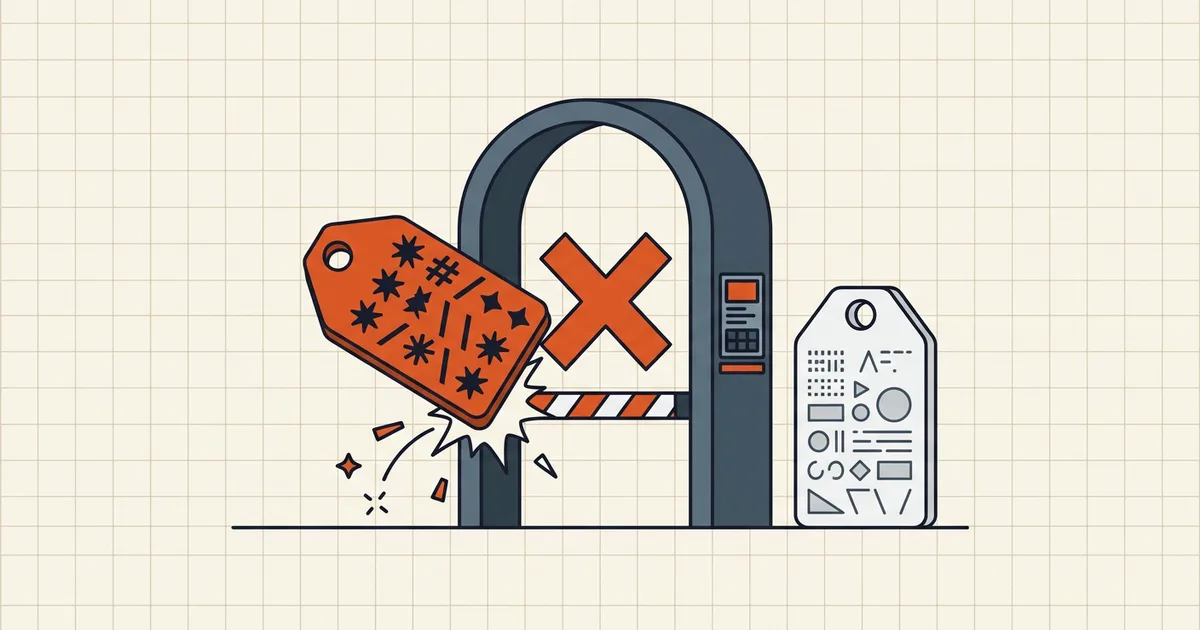
You upload the PDF. The portal says “invalid file.” The file opens perfectly everywhere. The villain is the name on the tin — Invoice #4482 (Final) – José's Copy ✅.pdf never stood a chance.
What trippers look like
| Pattern | Example | Typical failure | |
|---|---|---|---|
| Spaces | tax return.pdf | Legacy form parsers | |
| Shell/UI specials | `# % & ? / \ : * " < > \ | ` | Sanitizer rejects path-unsafe set |
| Emoji / accents | ✅ José | Encoding not handled server-side | |
| Double extension | form.pdf.pdf, .PDF(1) | Strict extension checks | |
| Length | 200-char names | Path caps (often ~45–55 chars usable) | |
| Leading junk | (1), ~$, .hidden | Temp/hidden file filters |

Two-minute rename protocol
- Keep meaning, drop theater:
2026-03-14_HR_Contract_E10432.pdfstyle — date, type, ref (conventions). - One extension only: rename → confirm it ends
.pdfand nothing else. - Hyphen/underscore, ≤50 chars, ASCII stem for strict portals.
- Cloud pickers: rename and wait for sync, or download → rename locally → upload local (remote-path bugs are real).
- Re-check the box on the pre-send checklist — name is item four of twelve, not an afterthought.
When rename isn't enough
Order of operations after a clean name still fails: content magic bytes (invalid ladder) → password → size (compress under the cap with margin — bank portal guide) → page/packet rules (receipt packets). Filename first because it's cheap and lies the loudest.
Honest BytesPDF scope
No filename validator or renamer at BytesPDF (documented boundary). Tools preserve the name you provide; fix names upstream. Naming standards live in the conventions guide — this post is the rejection diagnosis that sends you there.
Error-message translation
| Portal says | Often means (in order checked) |
|---|---|
| "Invalid file" | Name sanitizer → wrong type → password |
| "Upload failed" (no detail) | Name, size, or transient backend — retry once after rename |
| "Unsupported format" | Double extension, uppercase .PDF edge cases, renamed non-PDF |
| "File name too long" | Exactly that — truncate the stem, keep .pdf |
| Success then "processing error" | Content issue — jump to the validity ladder |
Rename-first is cheap insurance precisely because failures are mislabeled: portals blame "the file" when they only inspected "the name."
Household naming (aligns with the conventions guide)
YYYY-MM-DD_DocType_Ref.pdf— sortable, ASCII, short.- No versions-in-the-name drama (
finalFINAL2); use the portal's revision slot or a numeric suffix consistently. - Packet members share a stem:
claim-2026-09_cover.pdf,claim-2026-09_receipts.pdf(packets).
Audit five recent rejections from your busiest portal: I'd bet a majority share a character class from the trippers table. Fix the saver (download naming rule), not just each file, and the error class mostly disappears.
Frequently asked questions
Why would a filename stop a valid PDF?
Upload validators often sanitize paths aggressively: spaces, \\"#%&?/:*\\"<>|\\", quotes, emoji, non-Latin marks, excessive length, or double extensions (document.pdf.pdf, .PDF.PDF) fail before the MIME check even runs — yet the error still says \\"invalid file.\\" The content never got a chance.
What's a safe upload name?
Lowercase ASCII letters, digits, hyphen/underscore; keep the single trailing .pdf; stay short (≤50 chars is a safe budget on strict portals). Example: income-certificate-2026.pdf — see the [naming conventions](/blog/pdf-file-naming-conventions) for the full house style.
Rename didn't fix it — what next?
Then fall through the real validity ladder: wrong magic bytes/renamed image, password, size cap, truncation ([invalid-PDF ladder](/blog/fix-invalid-pdf-upload-error)). Filename first because it's the cheapest fix and the most mis-labeled error.
Accents and non-English names?
Many older stacks mishandle UTF-8 in form-data filenames. Transliterate for the upload (José → jose) while keeping the meaningful stem; the portal's storage name is not your archive name.
Does BytesPDF rename files?
No batch-rename or upload-name validator at BytesPDF (documented boundary). Rename in the OS or drive app before upload; our naming guide and pre-send checklist cover the habit. Tools keep the name you drop in — clean it upstream.
Related comparisons
Source-led comparisons written by BytesPDF, with the conflict of interest disclosed on each page. They link official provider documentation rather than fabricated tests.