
Fix PDF Pages Out of Order (Reverse Back-to-Front Scans and Duplex Interleave)
Two classic scanner failures: a stack read last-page-first, and a two-pass duplex job that never interleaved. Order problems are list surgery — if you can count, you can fix them.
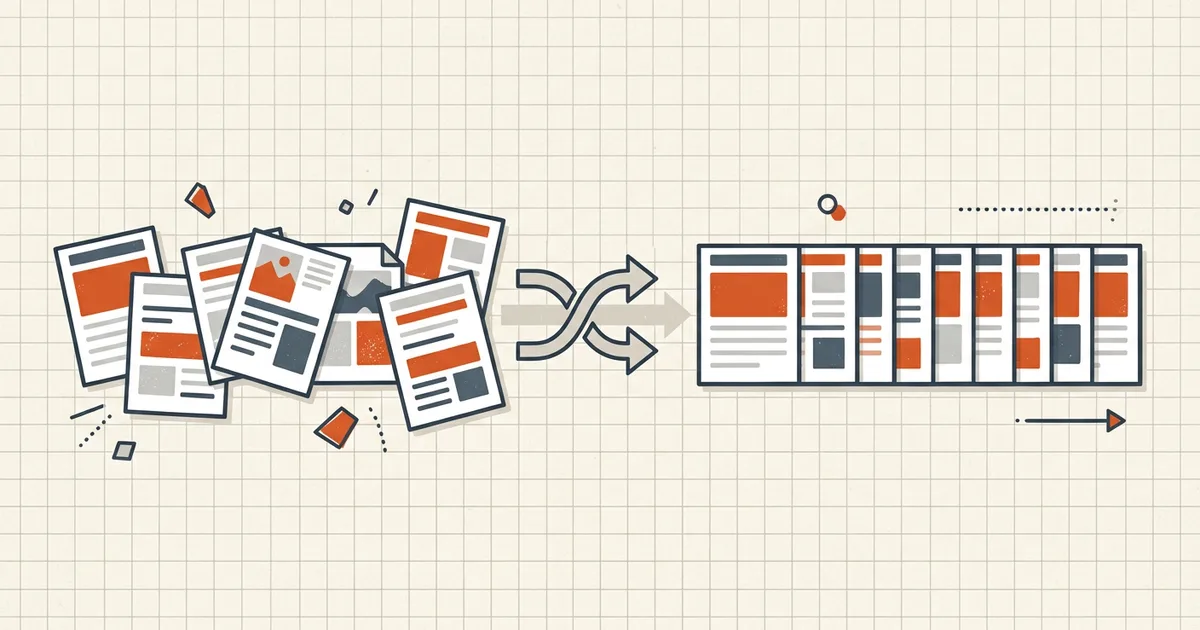
Scanners fail in patterns. Two patterns own most “the order is wrong” tickets: everything backwards, and fronts-never-mixed-with-backs.
Pattern map
| What you see | What happened | Repair |
|---|---|---|
| Last page first, whole file | Stack fed face-down / bottom-up | Reverse all pages |
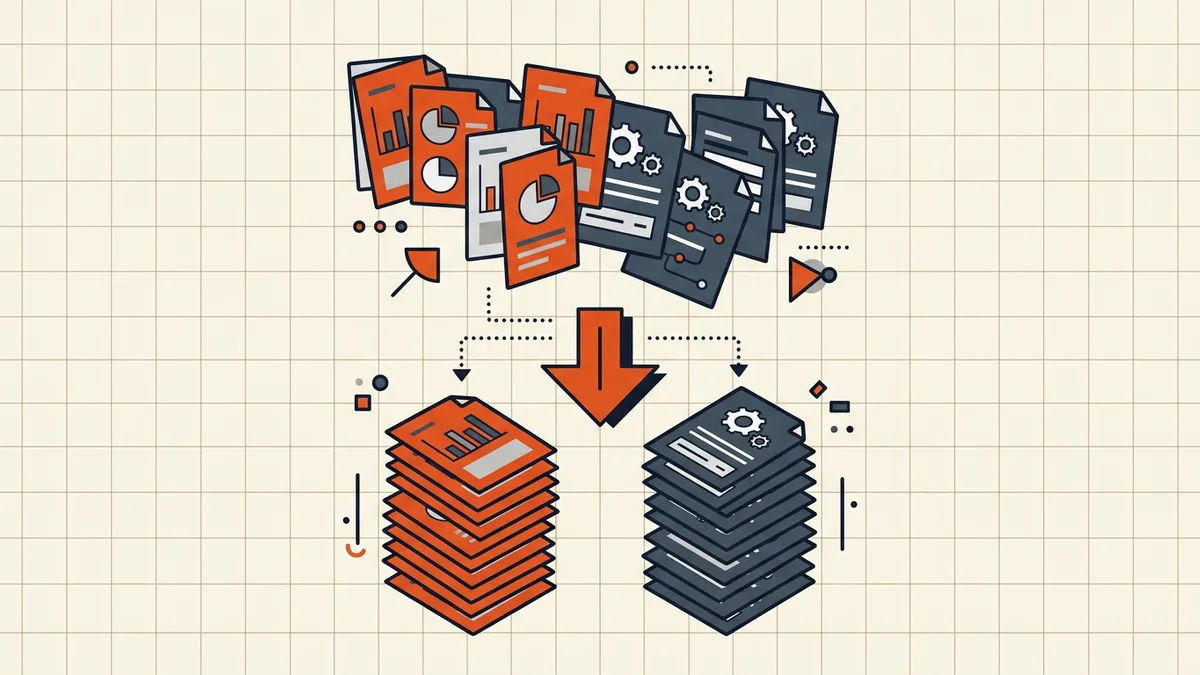
| Fronts block, then backs block | Two-pass simplex duplex | Split mental model: reverse backs, then interleave |
| One double-feed twin | Roller hiccup | Dedup review (duplicate pages) |
| A few pages wandered | Manual insert error | Drag those pages only |
Interleave recipe (fronts + backs)
- Identify which file (or block) is fronts and which is backs.
- Reverse the backs block if the stack was flipped end-over-end (almost always).
- Alternate: front1, back1, front2, back2… preview literally as a sequence.
- Count check: backs ≈ fronts, or backs = fronts − 1 (unprinted last back).
- Save as a new file; keep originals until QA passes (checklist).
After the list is right
Printed footers from before the shuffle now lie (renumber). Bookmarks that pointed at old positions need a click-through (bookmarks after merge). Then ship-check first/last identity (pre-send).
Honest BytesPDF scope
No reorder, reverse, or collate tool at BytesPDF (documented boundary). Merge takes whole files in your chosen order; page-list surgery is organizer territory. Same honest-gap policy as split/booklet/deskew.
Worked example (6-page duplex mess)
File pages 1-6 hold real pages 1, 3, 5, 2, 4, 6 (fronts pass then reversed backs pass). Target: interleave fronts with reversed backs so reading order becomes 1,2,3,4,5,6. Write the mapping on paper before dragging. One swapped pair at a double-feed is invisible until a sentence breaks mid-paragraph — dedup catches twins; reading-order QA catches gaps (checklist).
Prevention at the scanner
- Load face-up with a known landmark page on top; test-feed one sheet.
- Enable duplex in the profile when available; if simplex-only, label outputs immediately (…-fronts.pdf, …-backs.pdf).
- Keep the feeder clean — jams cause both order bugs and duplicate twins.
- Fix deskew in the profile (deskew) so the next failure is not geometry too.
Order bugs are cheap before OCR and expensive after — recognition bakes reading-sequence assumptions into the text layer.
Frequently asked questions
My whole scan is backwards — what's the fix?
Reverse the page list (last → first). Face-down feeds read the bottom sheet first, so the file runs opposite to reading order. In any organizer with thumbnails: select all → reverse. Confirm page 1 is now the real first page before saving.
Why are all the fronts first and backs second?
Classic non-duplex two-pass scan: feed the stack for fronts, flip the whole pile, feed again for backs. Turning the pile reverses it, so the backs block often needs its *own* reverse before interleaving: A1 Bn A2 Bn−1 … Preview the sequence — if it reads A1 B1 A2 B2 you forgot the reverse toggle.
Counts don't match — odd total after interleaving?
Usually the last sheet was blank on the back and the scanner dropped it, or blank-detection ate a page. Diff the tails: one missing back is normal; many missing pages means re-check which file is fronts vs backs ([blank cleanup](/blog/remove-blank-pages-from-scanned-pdf)).
Does BytesPDF reorder or interleave pages?
No page-reorder/duplex-collate tool at BytesPDF (documented boundary). Our merge concatenates whole files in the order you choose; per-page list surgery lives in organizers and CLI (qpdf-style) tools. After any reorder, footers you stamped earlier are stale ([renumber guide](/blog/pdf-page-numbers-wrong-after-reorder)).
Reorder breaks quality?
No — page order is a tree of references, not pixels. Content streams copy as-is; scan sharpness and OCR layers survive. Quality risk starts only when someone print-to-PDFs the result unnecessarily.
Related comparisons
Source-led comparisons written by BytesPDF, with the conflict of interest disclosed on each page. They link official provider documentation rather than fabricated tests.