
PDF Bookmark vs Outline vs Table of Contents (Why Readers Use All Three Names)
One sidebar says Bookmarks, another says Outline, the printed page says Contents — and one Mac app hides bookmarks nobody else can see. A terminology map that ends the confusion.
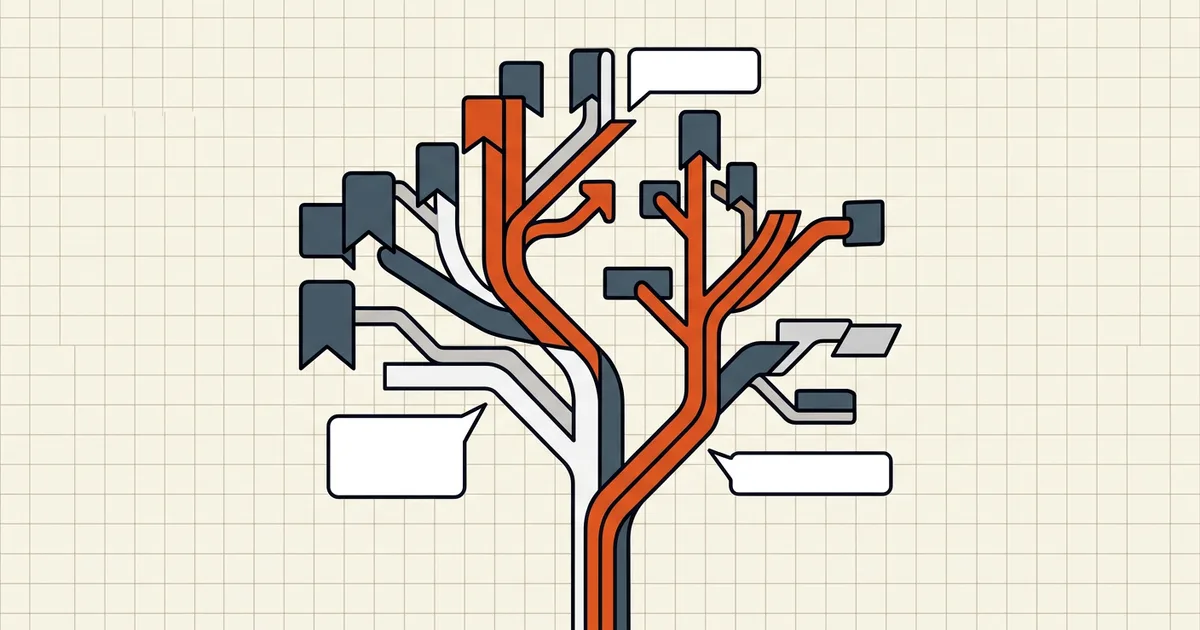
Open three PDF readers on the same file: one sidebar says Bookmarks, one says Outline, the printed first page says Contents. Users file support tickets. Spec people sigh.
The map
| Term you see | What it usually is | Lives where |
|---|---|---|
| Bookmarks (sidebar) | /Outlines hierarchical tree (or app-specific bookmarks) | Document navigation data |
| Outline (sidebar) | Same tree — formal name from the spec | Document navigation data |
| Table of contents (printed) | Text/links on a page | Page content |
| User bookmarks (some apps) | Personal markers, sometimes not portable | App/profile, occasionally file |
Acrobat-style apps built the habit of calling the outline tree ‘Bookmarks.’ Other apps split the words: outline = author structure, bookmark = personal place-marker. Check the behavior, not the label: does it jump to document sections for everyone who opens the file? It's outline-class navigation.
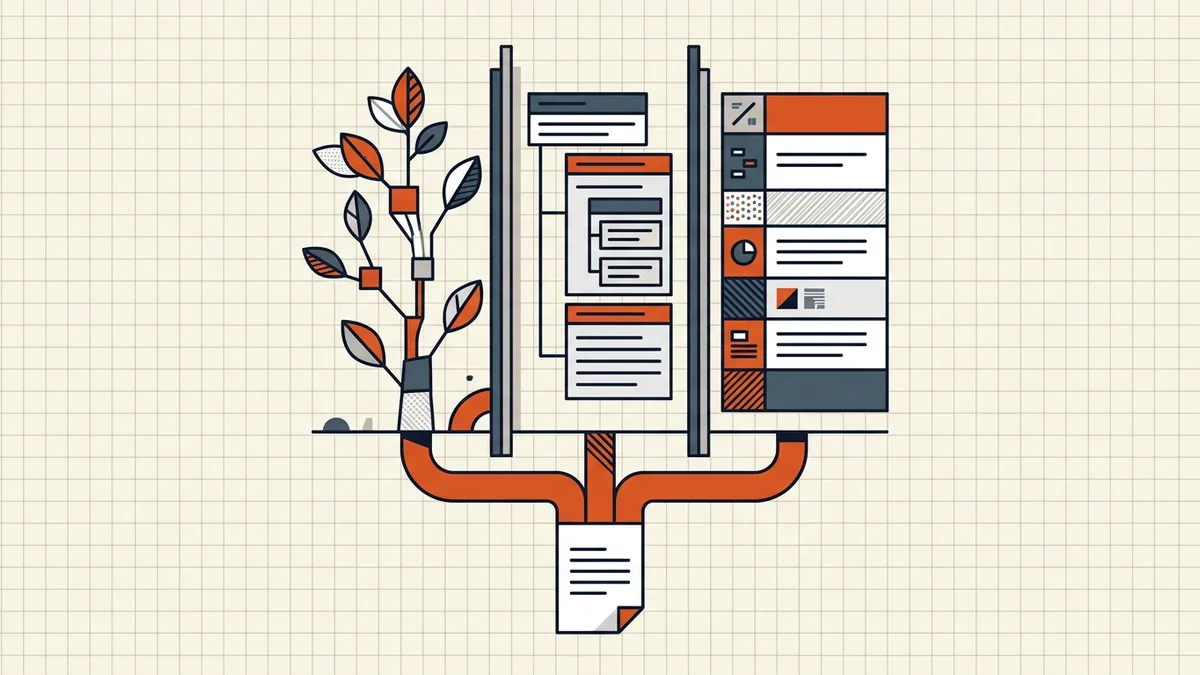
Author outline vs personal bookmark
- Author outline: hierarchical, ships with the file, drives TOC panels and some accessibility/navigation expectations (PDF/UA cares about structure — related but not identical).
- Personal bookmarks: ‘page 47 was important,’ often viewer-local; may never leave your machine.
- Preview's private store: the classic trap — bookmarks that work on your Mac and evaporate for collaborators.
Why structure disappears in workflows
- Merge without outline preservation (bookmarks guide).
- Print-to-PDF paths that re-render pages and forget document-level trees (print vs save).
- Extract/remove pages leaving destinations dangling (extract guide).
- Word/Docs exports with heading styles missing → no outline to export (Word fidelity, Docs traps).
- Portfolios/containers replacing linear docs entirely (portfolio vs merge).
Practical QA
Open the sidebar in two different readers before you ship a report: expand first/middle/last outline entries, click through, confirm destinations land where expected. A printed TOC page with a dead sidebar still confuses half your audience.
Honest BytesPDF scope
No bookmark/outline editor at BytesPDF. We document merge-time behavior, warn when slices drop navigation, and carry heading structure on Word→PDF when sources are clean — same honest-gap policy as split/booklet/word-count non-features.
##Labels doesn't ship with the file
Regardless of what your reader's UI calls the sidebar, collaborators only see what's embedded. If navigation matters for handoff, verify in a second app before you announce "bookmarks are included" — and assume Preview-authored personal markers may stay personal.
Frequently asked questions
Are PDF bookmarks and outlines the same thing?
In the PDF specification's common usage, yes for author-built navigation: the hierarchical `/Outlines` tree is what most apps label 'Bookmarks' or 'Outline' in the sidebar — chapter → section → subsection. Marketing copy uses the words interchangeably, which is why the UI feels schizophrenic.
What's the difference from a printed table of contents?
A printed TOC is ordinary page content (text that looks like a list). An outline/bookmark tree is structured navigation data that jumps when clicked. A PDF can have both, either, or neither — and a printed TOC without an outline means you read but can't click.
Why did my bookmarks vanish after merging or converting?
Many merge/print paths rebuild pages without carrying document-level outline objects, or destinations point at old page numbers and get dropped as broken. Choose merges that preserve outlines ([bookmarks guide](/blog/merge-pdf-keep-bookmarks)); export from Word/Docs with heading-based bookmark generation enabled; re-test after every structural change.
Why don't bookmarks I made in Preview show up elsewhere?
Preview on macOS has historically stored its bookmarks in a private XML stream rather than the standard `/Outlines` scheme — visible in Preview, invisible in many other readers. If navigation must travel with the file, author outlines in a standard-compliant tool, not Preview-only clicks.
Does BytesPDF manage bookmarks?
No outline editor ships in BytesPDF (documented boundary). Our merge documents bookmark behavior; extract/remove guidance notes when structure drops; Word→PDF can carry heading structure when the source is solid. For deep outline surgery, use dedicated editors.
Related comparisons
Source-led comparisons written by BytesPDF, with the conflict of interest disclosed on each page. They link official provider documentation rather than fabricated tests.