
Printed PDF Cuts Off Edges or Bottom Line (Printable Area)
On screen it is perfect; on paper the footer is gone. Three causes repeat: wrong scaling, wrong paper size, and the dead zone printers cannot ink.
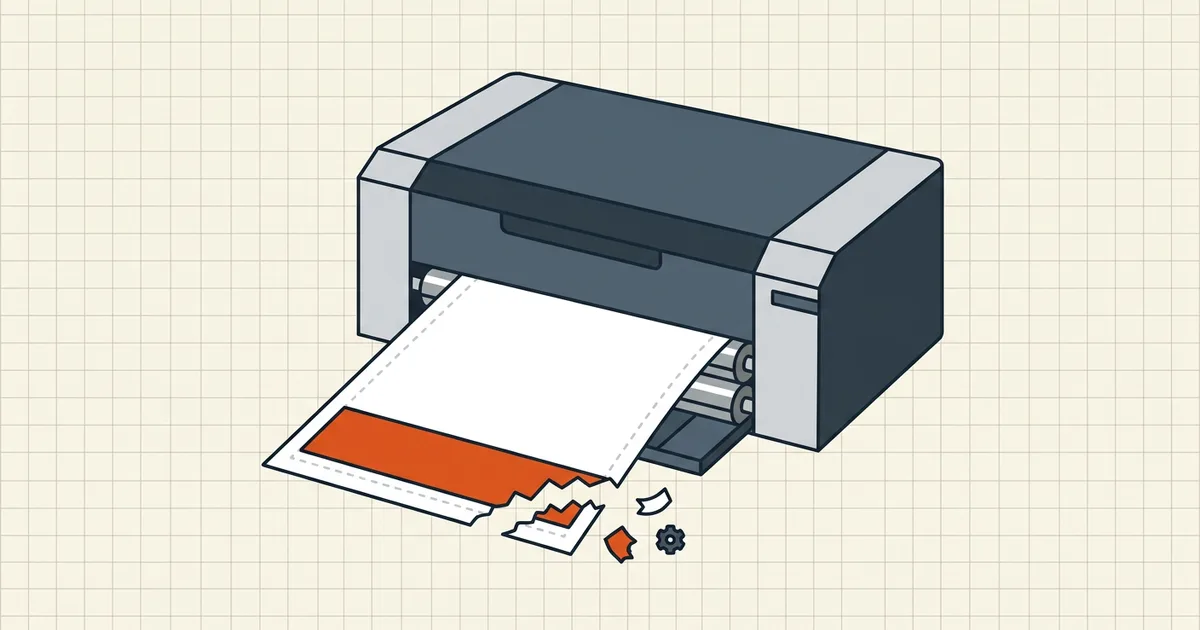
Screen: flawless. Paper: footer guillotined. Before you service the printer, walk the three-way split: scaling · paper size · dead zone.
Diagnostic order
| Check | Pass looks like | Fail signature |
|---|---|---|
| 1. Print preview | Content inside sheet | Already clipped in preview → settings/layout |
| 2. Paper size | Dialog = driver = tray | Constant bottom/right loss → mismatch |
| 3. Scaling | Fit / Shrink / printable area | Actual Size + near-edge content → slice |
| 4. Dead zone | Margins ≥ ~6 mm / 0.25 in class | Thin uniform sliver → mechanical edge |
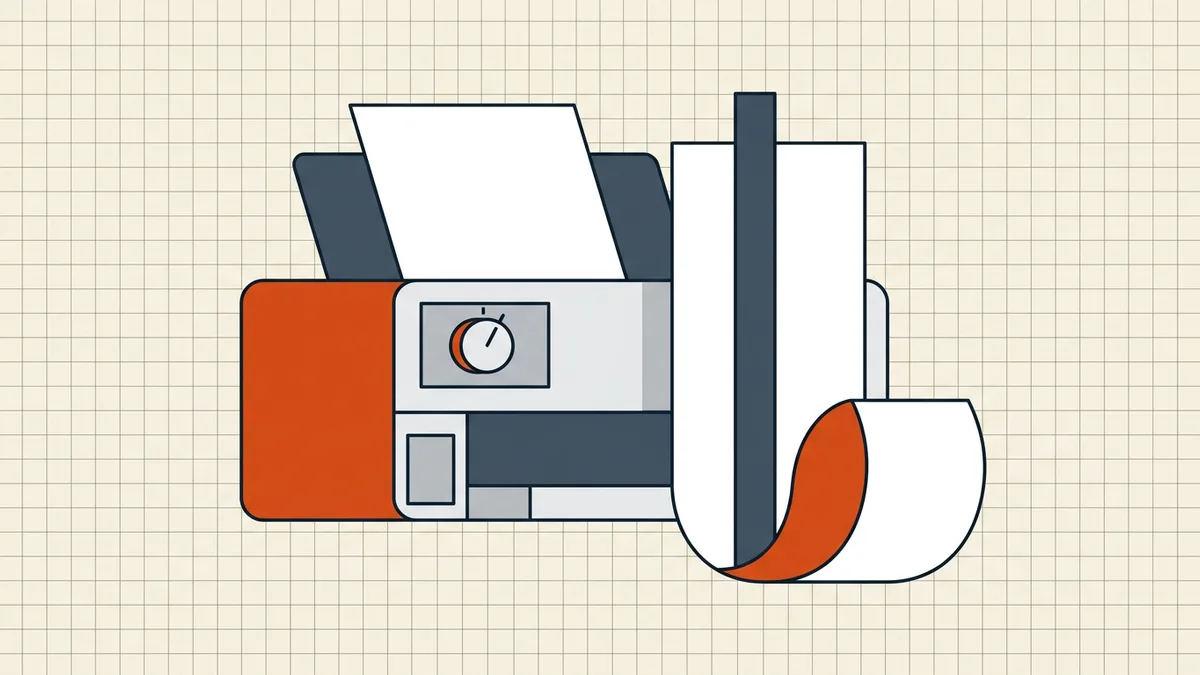
Fix map
- Quick: set Fit (or Shrink oversized pages); confirm Letter/A4 matches
the tray; reprint.
- macOS Any Printer quirk: pick the real printer in Page Setup so printable
area expands (Adobe community pattern).
- Layout truly near edge: re-export with safer margins
(header/footer safe zones) — the printer cannot honor zero margins.
- Phone print path: mobile dialogs hide scaling — print from desktop or
save-as-PDF then print with Fit (print vs save).
Cousins (different bugs)
| Symptom | Guide |
|---|---|
| Extra blank sheets | Extra blank pages |
| Wrong rotation | Prints sideways |
| Cut off on screen | Can't scroll / cut off view |
| Missing columns in export | Excel cut-off |
| Booklet duplex math | Booklet printing |
Honest BytesPDF scope
No printer-driver control in BytesPDF (out of product scope). Compression can change pixels, not the roller dead zone. Diagnose preview → paper → Fit → margins; only then suspect hardware.
Worked dialog checklist (desktop)
- Open the PDF in a real reader (not a half-baked preview)
- Ctrl/Cmd+P → preview pane first — is content already short?
- Paper size = tray stock (Letter or A4, both dialog and driver).
- Sizing: Fit / Shrink oversized pages / Scale to printable area.
- Duplex/orientation untouched unless you mean it
(sideways).
- One test sheet on plain paper before the good stock.
When margins are the document's fault
Exports from Excel/web forms sometimes place footers 2–3 mm from trim. The printer's dead zone (often deeper at the bottom) wins every time. Rebuild with ~6 mm / 0.25 in minimum margins — see header/footer safe zones — then Fit becomes unnecessary insurance instead of a required workaround.
Combining this with extra blank pages? Fix sizing mode first (Fit usually solves both classes at once).
Frequently asked questions
Why does the bottom of my PDF cut off when printing?
Usual stack: page size ≠ paper in tray, scaling set to Actual Size/100%, or content inside the printer's non-printable edge (often deepest at the bottom). Check print preview first — if the preview already clips, the dialog settings or layout are wrong, not the hardware.
Fit vs Actual Size — which should I use?
Fit / Shrink oversized pages / Scale to printable area for forms and letters. Actual Size only when physical scale matters (rulers, engineering drawings) and you have matched paper stock deliberately.
A4 document on Letter paper (or reverse) — what happens?
At Actual Size the taller dimension runs off the sheet — commonly the bottom ~18 mm class of loss when Letter content meets A4 or the reverse mismatch pattern. Fit absorbs it; matching paper size is cleaner.
Preview looks fine but print clips — hardware?
If the clip is a consistent thin edge all around (or bottom sliver), that is the mechanical dead zone — widen document margins (~6 mm / 0.25 in class) or use Fit. If clipping varies page to page or the page skews, then investigate feed/hardware.
Does BytesPDF fix printer margins?
No — print dialogs and drivers own scaling. BytesPDF compress/merge do not change physical printable area. Author-side safe margins are covered in the header/footer guide; this post is the print-dialog diagnosis.
Related comparisons
Source-led comparisons written by BytesPDF, with the conflict of interest disclosed on each page. They link official provider documentation rather than fabricated tests.