
Certificate Password Rejected When Signing a PDF (PFX/PKCS#12)
The password opens the bank app and fails the signer. Certificate password errors are often algorithm-era mismatches, not memory slips — diagnose the container before you reset anything.

The password manager says the password is right. The signer says it is wrong. One of them is lying — and often neither: the container's crypto dialect is what actually failed.
Two different "PDF password" objects
| Object | File | Wrong-password feel | Guide |
|---|---|---|---|
| Document open/permission password | The PDF | Prompt to view/edit content | Document password |
| Certificate private-key password | .pfx / .p12 / smartcard PIN | Sign/import rejects identity | This post |
Confusing them wastes an afternoon. The signing pane is failing on your identity container, not on the contract bytes.
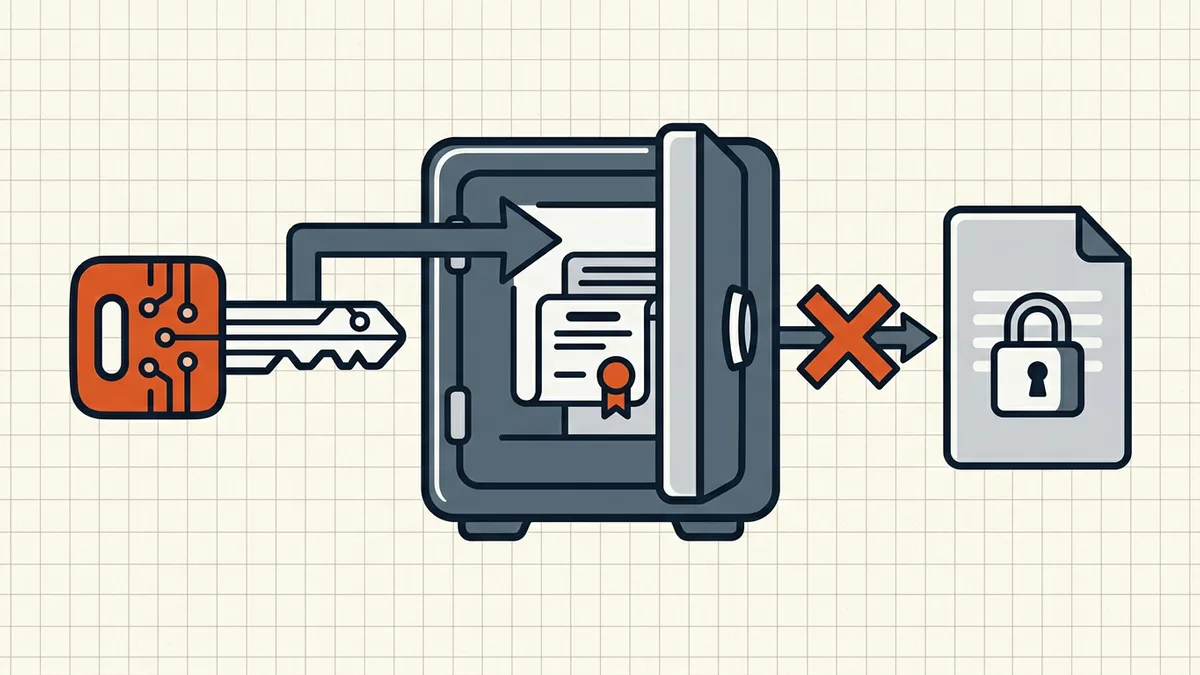
Why "correct" fails
- Algorithm era mismatch — exporter used AES/SHA-256 PKCS#12 protection;
consumer only understands legacy 3DES/SHA-1 class (classic "password incorrect on import" on older Windows/Android stacks).
- Wrong file — certificate without private key (
.cer/.pem) imported
where a full PFX is required.
- Different PIN store — HSM/smartcard PIN ≠ file password; wrong entry
point in the UI.
- Corrupt re-export — truncated copy; compare hash/size with the original.
Diagnosis order
- Confirm object type (PFX vs document password).
- Test the same PFX in a second tool (OS cert import, another signer).
- If other tools accept it → your signer's importer is the constraint;
re-export legacy-compatible from a trusted tool.
- If no tool accepts it → re-export from source CA/keystore; do not
hammer password guesses on hardware locks that rate-limit.
After import works
Continue the normal sign-last workflow: no rewrites after sealing (why signatures break), optional timestamp notes, then verify before send.
Honest BytesPDF scope
BytesPDF Sign imports PKCS#12 for on-device PKCS#7 signing (tool page is the capability source). We surface import failures honestly — wrong password vs unreadable container is the user's diagnosis path above; no certificate password recovery ships or is implied (documented boundary).
Safe recovery paths (no cracking)
| Situation | Move |
|---|---|
| You have password; one app rejects | Re-export PFX with legacy protection; try second signer |
| Password forgotten on file-based PFX | Re-issue from CA/org PKI; do not guess-spam |
| Smartcard PIN rejected | Unblock PIN with issuer; different entry than file password |
| Only bytes of cert, no key | Cannot sign — fetch full PFX with private key |
Pre-flight before the meeting
- Import PFX into a test window hours before you must sign.
- Keep original
.pfx+ password in your password manager. - Confirm signer shows the expected identity/subject, not a stale duplicate.
- Remember sign last — no compress/merge after seal
If validation fails after a clean import, switch guides: trust lists, edits after signing, TSA notes — why signature invalid.
Frequently asked questions
I am sure the certificate password is correct — why does signing say it is wrong?
Many stacks surface unsupported PKCS#12 encryption/MAC algorithms as 'incorrect password.' Legacy Windows/Android readers expect older 3DES/SHA-1-style protection; modern exporters may use AES/SHA-256. The password can be right while the container's algorithms are unreadable to that app.
How do I fix a PFX that only some tools accept?
Re-export the PKCS#12 with legacy-compatible protection from a tool that lets you choose (OpenSSL 'export -legacy' class commands are the usual fix), or import into a newer OS keystore and re-export. Always keep the original .pfx and a password manager entry before conversions.
Is this the same as a PDF open password failing?
No. Document open/permission passwords lock PDF content ([pdf-password-not-working](/blog/pdf-password-not-working)). A certificate password unlocks your signing key container (.pfx/.p12). Same keyboard, different object.
Can BytesPDF help if my certificate password fails?
Sign imports a PKCS#12 you provide; if the import rejects the password, test the same file in another signing tool or re-export legacy-compatible. We do not crack or recover certificate passwords (documented boundary). Document-level passwords are a separate guide.
After import succeeds, signature still shows problems?
That is trust/validity territory — self-signed trust lists, document edits after signing, missing TSA notes — covered by verify and why-signature-invalid guides, not by password entry.
Related comparisons
Source-led comparisons written by BytesPDF, with the conflict of interest disclosed on each page. They link official provider documentation rather than fabricated tests.