
Is Online OCR Safe? Where Your Document Goes, Exactly
OCR is the most invasive step in a scan workflow — it reads everything. Here's where documents actually go, and how on-device recognition changes the math.
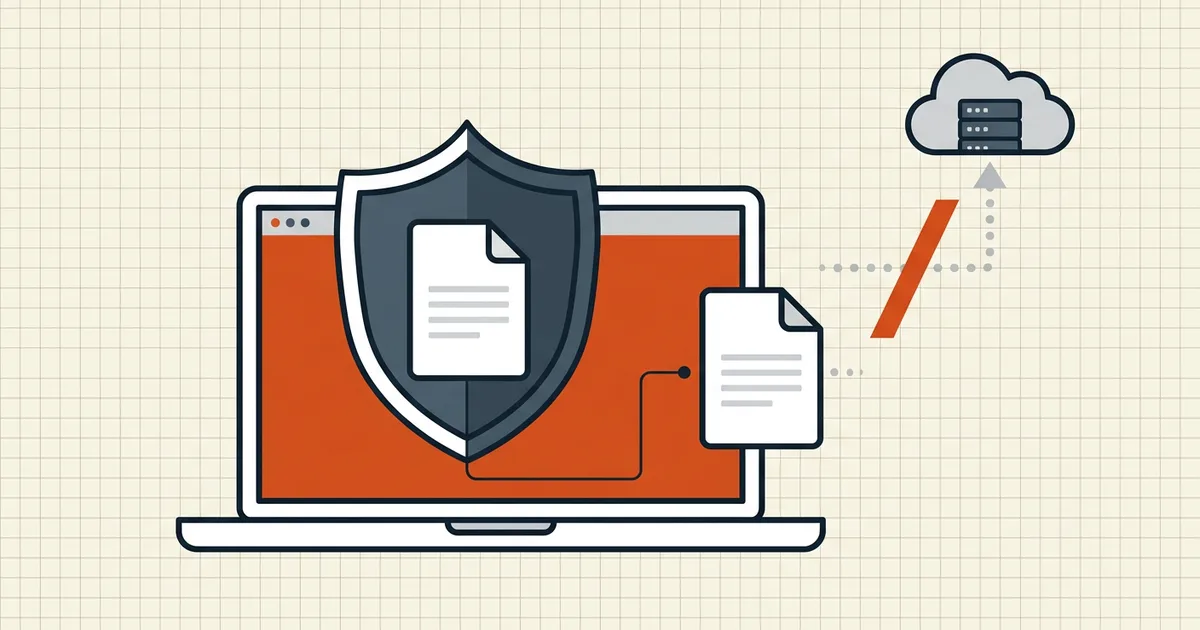
OCR is not a metadata scan or a thumbnail render — it reads every word of every page. That makes it the single most sensitive operation in most document workflows, and it's applied most often to the most sensitive page types there are: passports, bank statements, medical records, signed contracts. So the question "is online OCR safe?" is really two questions: where does the document go, and what happens to it there?
What "online OCR" actually does
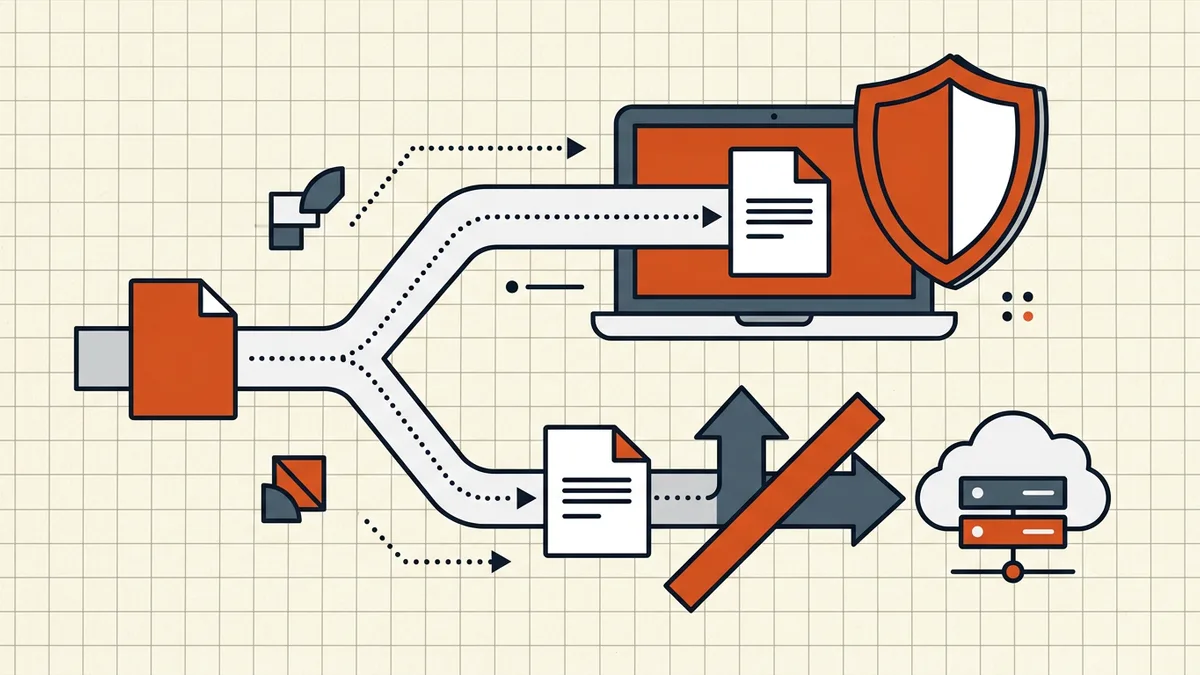
The service model is simple: your browser uploads page images or the PDF to the provider's servers; their engine (often a large ML model) recognizes the text; the result comes back. Along the way the content typically touches:
- the upload transfer (TLS protects it in transit; the endpoint receives it in the clear on their side),
- processing storage (disk or memory on their systems),
- logs and monitoring (URLs, error reports, sometimes content fragments),
- backups and subprocessors (frequently outside the "we delete after N hours" story).
Retention policies like "files deleted after 2 hours" describe one control at one layer. They are worth reading — a documented policy with a real deletion job beats silence — but the fundamental fact stands: the full text of your document existed on a third-party system.
This is the same threat model we map across all tool categories in privacy risks of online PDF tools; OCR simply raises the stakes because recognition touches everything.
The alternative: recognition on your device
On-device OCR runs the recognition engine inside your browser or app — WebAssembly and modern JS engines make this practical now. The document is read by your own CPU; recognized text never leaves the machine; a network connection is needed to load the tool itself, not to process the file.
That's how BytesPDF OCR works: pages are recognized with a local engine and never leave the device. The same architecture runs through the rest of the toolkit (compress, merge, rotate, redact, and the rest process locally too — architecture comparison).
How to sanity-check any vendor's claim, including ours:
- Open DevTools → Network, run a real document through, and watch for uploads of that size.
- Load the tool, then switch Wi-Fi off and try again — genuine local processing still completes.
- Prefer claims phrased as architecture ("runs in your browser", with specifics) over policy promises alone.
Choosing per document, not per habit
Not everything is a passport. A reasonable triage:
| Document class | Default | Fallback |
|---|---|---|
| IDs, financial, medical, legal, anything under NDA | On-device OCR only | Desktop software under your control |
| Internal low-sensitivity scans | On-device (it's easier anyway) | Reputable server OCR after review |
| Public or your own content, hard cases (handwriting, degraded prints) | Server OCR acceptable | — |
| Documents with redactions pending | OCR after redaction, never before (why) | — |
Accuracy trade-offs are real: some server engines still lead on handwriting and badly degraded scans. The privacy-conscious answer isn't "never" — it's on-device first, escalate to a server for hard cases deliberately, with the sensitivity review that implies.
Frequently asked questions
Does online OCR upload my document?
Server-based OCR services necessarily upload the file (or its page images) to their infrastructure to process it. Only tools that run recognition locally in the browser or on your desktop avoid the upload — check which kind you're using.
What are the privacy risks of OCR?
The tool reads the full text of every page — IDs, account numbers, health details. With server OCR that content transits to and exists on someone else's system, subject to their retention, logging and subcontractor practices. With on-device OCR, the recognized content stays on your machine.
How can I tell if a web OCR tool uploads my file?
Watch the network while it works: browser DevTools → Network shows uploads of the document's size during processing. A genuine in-browser engine processes without a matching upload request. Independent write-ups and the product's own architecture claims are supporting evidence, not substitutes.
Is on-device OCR as accurate as server OCR?
For clear printed pages, modern on-device engines are strong; some server engines lead on handwriting and very degraded scans. Match the tool to the document: on-device first for sensitive pages, specialist services for hard cases after a sensitivity review.
Does 'we delete files after processing' make online OCR safe?
It reduces retention risk and is better than nothing, but the document still transited and existed on their systems, usually with logs and backups outside the deletion window. It's a mitigation, not a substitute for not uploading.
Related comparisons
Source-led comparisons written by BytesPDF, with the conflict of interest disclosed on each page. They link official provider documentation rather than fabricated tests.