
Open a Password-Protected Bank Statement PDF (Find the Issuer's Password Rules)
The PDF wants a password the bank never clearly stated. Issuer formats, common mix-ups, and honest recovery paths — without pretending strong encryption has a back door.
The statement downloads fine. Double-click: password. The email said “password as discussed” and discussed never happened. Now what — without fantasizing about back doors.
First: which lock, which source
| Situation | What it means | Where the answer lives |
|---|---|---|
| Prompt before any page shows | Open password (AES-class if modern) | Delivery email, portal hint, welcome letter |
| Opens; print/copy disabled | Owner/permissions flags | Often same doc password or none |
| Login works, PDF still locked | Document ≠ account password | Issuer docs — not your login |
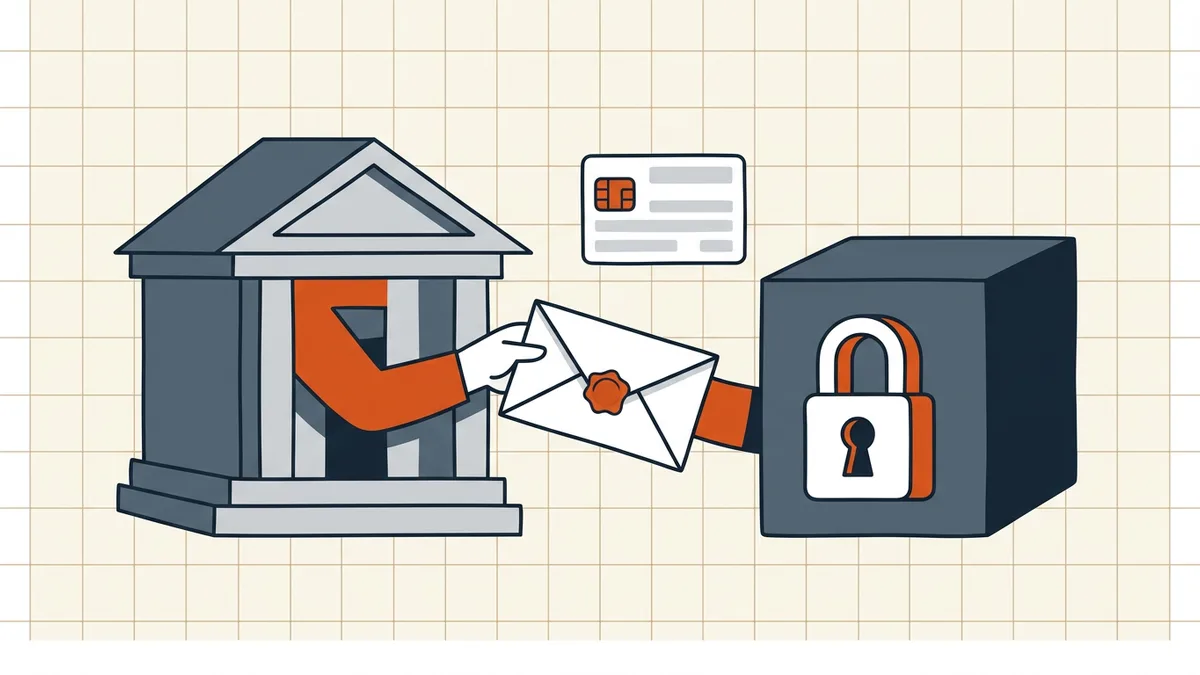
Legitimate path (in order)
- Re-read the delivery message and portal tooltip — format statements beat memory (“first four of surname + DDMMYYYY,” etc.). Use only what they document.
- Trim and match case. Copy-paste pulls trailing spaces; PDF passwords are case-sensitive (rejected checklist).
- Re-download inside the portal session — some banks serve clearer hints or session-scoped unprotected copies.
- Password manager archaeology — if you protect files yourself, search by bank name or statement period.
- Ask the issuer to reissue with explicit format, or export CSV/OFX for analysis tasks.
- Known password, need a working copy? Open once → remove password when you know it → save a local working file under your own controls.
Honest dead-ends
Modern open-password encryption working as designed has no side entrance. Services promising to “crack” your own payslip are either lying, attacking weak/legacy files you shouldn't trust, or phishing. If every documented route fails, the content comes from the issuer again — not from a brute-force toy.
Downstream handling
Merging statements for a packet? Unlock first if policy allows, then merge with bookmark awareness. Sending protected files of your own: password travels separate channel.
Honest BytesPDF scope
No cracking, no password recovery at BytesPDF (documented boundary). Available adjacent: protect, remove-when-known, compress, clean. We point at issuer workflows because that's where real recovery happens.
Format-reading discipline
Issuer hints are short and picky. Decode them literally:
| Hint fragment | Read as | Watch-outs |
|---|---|---|
| First 4 of surname | Four letters of family name | Case as stated; hyphenated names |
| DOB DDMMYYYY | Day first | Not US-style MMDD unless written |
| Account last 4 | Numeric tail | Card ≠ account |
| Customer ID | Portal profile id | Not the login username |
Build the candidate exactly as written, type it manually once (paste space trap), and stop after the documented variants. Cycling random date orders trains lockout behavior on some portals and wastes time everywhere.
After you're in
- Open → remove password → save working copy only if policy allows (remove when known).
- Portal uploads often re-require their own limits: size, name, packet order (bank portal compress, filename gate).
- Merging months for underwriting: unlock each, merge deliberately, re-check page order (bookmarks).
- Never re-publish an unprotected statement into shared drives without a sensitivity review — you just spent paragraphs defending the lock.
What we will not do
No cracking service referrals, no "universal password databases," no myth-busting AES. Issuer channels or bust — stated as policy, not modesty (protect scope).
Frequently asked questions
What password do banks use?
Whatever their delivery message, portal hint, or help page documents — often derived from data they already know (parts of DOB, account/customer ID, name segments) in a stated order and case. There is no universal bank password; use only the issuer's stated format, never a pattern guessed from another bank's habit.
I use online banking — is that the same password?
No. The document password is separate from your login. Treating them as the same is the most common dead-end; check the email/SMS that delivered the statement or the portal's 'password hint' link instead.
Open password vs permission password on a statement?
Prompt-before-anything-shows = open password (true encryption). File opens but print/copy greys out = permissions/owner situation ([password types](/blog/pdf-owner-password-vs-user-password)). Bank statements usually ship with an *open* password.
What if the instructions are missing or wrong?
Re-download from the portal (archives sometimes include the password note, or serve an unprotected copy inside session scope); ask support to reissue with the format stated; export CSV/OFX if offered. Typing failures first: trim paste spaces, match case, re-read DDMM vs MMDD ([rejected-password checklist](/blog/pdf-password-not-working)).
Will BytesPDF open it without the password?
No — and neither will any honest tool against modern encryption. BytesPDF has no cracking feature (documented boundary). We help *after* legitimate open: remove password when you know it, compress for portals, protect files you send with the password on a separate channel.
Related comparisons
Source-led comparisons written by BytesPDF, with the conflict of interest disclosed on each page. They link official provider documentation rather than fabricated tests.