
Remove a DRAFT Watermark from a PDF You Own
A leftover DRAFT stamp embarrasses the final. Removing status watermarks from your own files is legitimate; stripping marks you do not own is not. Here is the clean path.
Status stamps exist on purpose: DRAFT, SAMPLE, NOT FOR DISTRIBUTION. When your document finally ships, the leftover stamp is a process bug — remove it from your file, cleanly.
First: is this your file?
| Situation | Verdict |
|---|---|
| You authored it; status stamp is internal | Remove freely |
| Org template; you own the content | Remove per policy |
| Stock/sample/licensed PDF; mark indicates ownership | Do not strip — request clean license |
| Someone else's confidential watermark | Not yours to remove |
Tool SEO pretends this nuance does not exist. It is the whole ethical line.
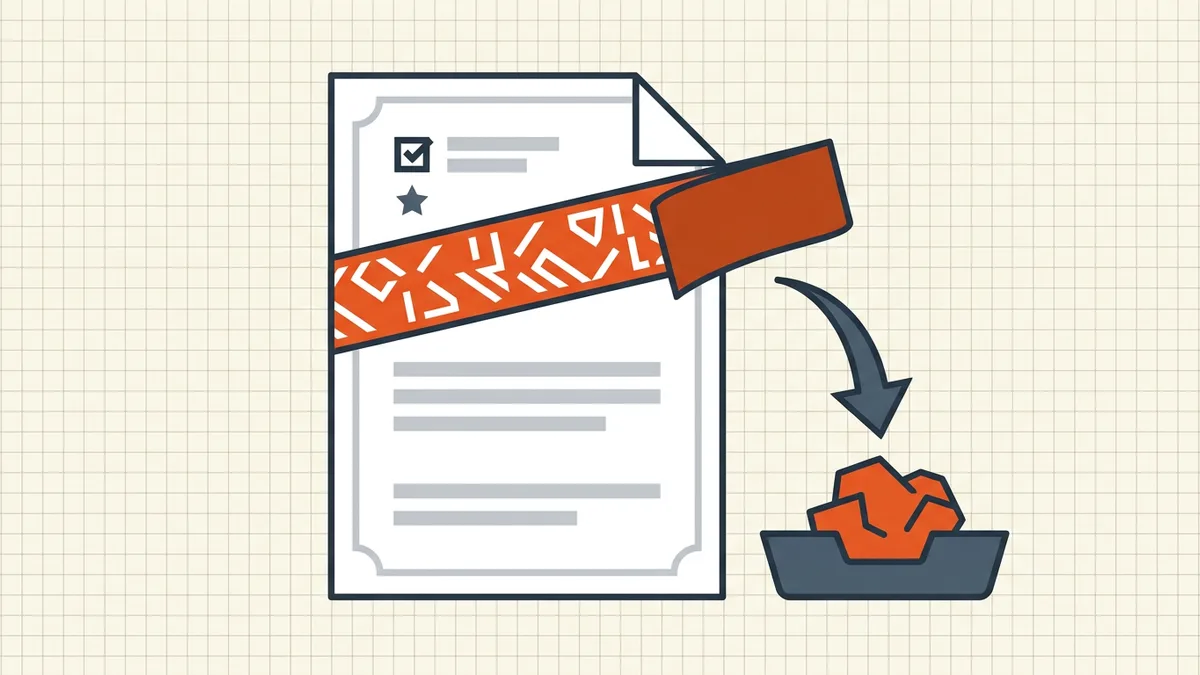
Routes that work on own files
- Acrobat Pro: Edit PDF → Watermark → Remove (batch across pages).
- Word source of truth: Design → Remove Watermark → re-export PDF — cleanest
when the PDF was born from Office.
- Editor's watermark panel: Foxit/Nitro-class tools mirror Remove when the
mark is a real watermark object.
- App free-tier stamps burned into pixels: re-export from original
content or upgrade/capture again — not an object you can delete.
After removal: strip review debris (comments), scrub status metadata, run the pre-send checklist.
Honest BytesPDF scope
No watermark tool at BytesPDF (documented boundary). Compress/clean do not erase visible page stamps. We publish own-file removal guidance so the SERP has a truthful answer that does not smuggle "strip anyone's PDF" advice.
Decision table before you touch anything
| You can answer yes | Action |
|---|---|
| I wrote it / my company owns it | Remove status mark; re-run pre-send QA |
| Licensed template allows editing | Remove if the mark is status, not ownership |
| Stock/demo with ownership watermark | Buy clean license or leave it |
| Another party's confidential stamp | Stop — request clean copy |
After removal, close the loop
- Comments/markup gone (remove comments).
- Properties scrub (metadata).
- File renamed to final convention
(naming).
- Filing contexts: run destination rules
(court e-filing, scholarship pack).
If the watermark was applied by a free scanner app on every page as pixels, budget a re-export from the original scan source — object removal tools cannot delete what was burned into the raster.
Frequently asked questions
How do I remove a DRAFT watermark from my PDF?
If you own the file: Acrobat Pro → Edit PDF → Watermark → Remove (or your editor's equivalent). From Word source: remove the watermark in Word (Design → Remove Watermark) then re-export. From a scanning app free tier: re-export without the app stamp if possible — app watermarks are often burned into pixels and need a clean re-capture.
Is it legal to remove a watermark?
Only for documents you own or are licensed to edit — your own DRAFT status, your org's template. Removing copyright, stock, or third-party ownership marks without permission can be unlawful. When in doubt, ask the author for a clean copy instead of stripping theirs.
Why does the watermark survive a PDF editor?
Some marks are flattened into page content (not a removable watermark object), or baked into scan pixels. Editors can only 'Remove Watermark' when the mark is a real watermark annotation/object. Otherwise you need content edit, image repair, or a fresh export from source.
Does compressing or cleaning remove watermarks?
No. Compression changes size; Secure Cleanup rebuilds pages but keeps visible page content — watermarks that render on the page remain. Do not expect a size pass to erase status stamps.
Does BytesPDF remove watermarks?
No watermark-removal tool ships in the toolkit (documented boundary). Use your authoring tool for own-file status marks; we document the path and the ethics line so nothing here reads as a bypass guide for other people's files.
Related comparisons
Source-led comparisons written by BytesPDF, with the conflict of interest disclosed on each page. They link official provider documentation rather than fabricated tests.