
Why Can't I Print or Copy Text from a PDF? (Three Real Causes)
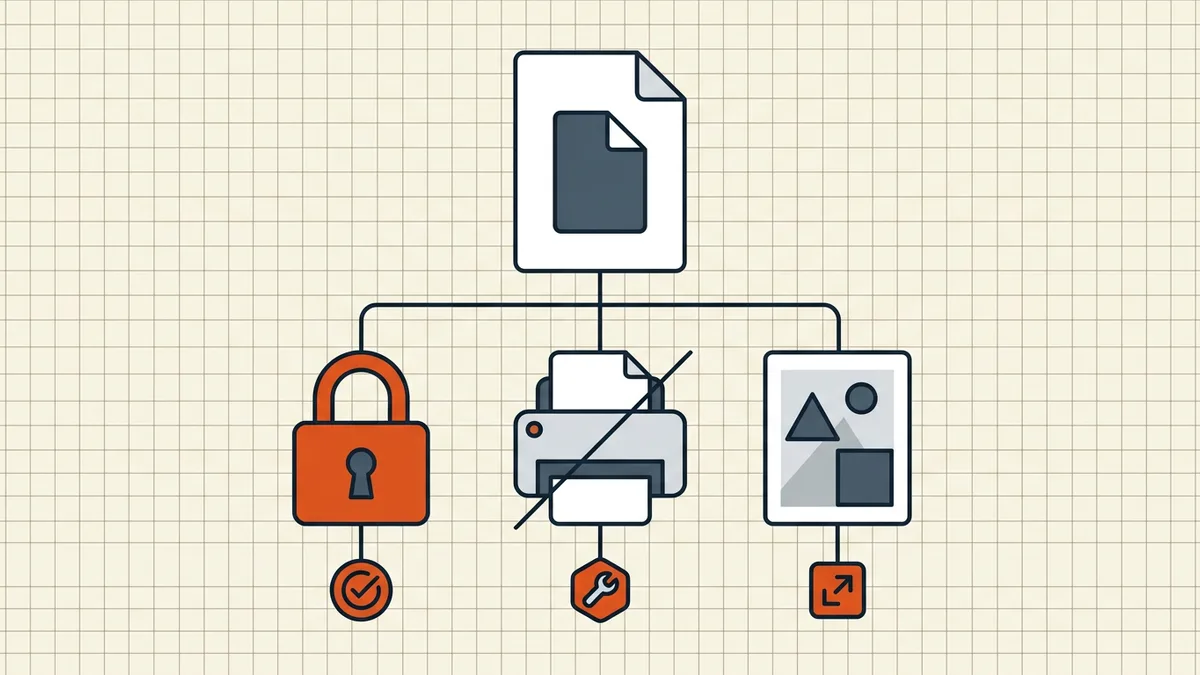
Before blaming the reader: printing and copying fail for three completely different reasons. Diagnose which one you have — the fix differs.
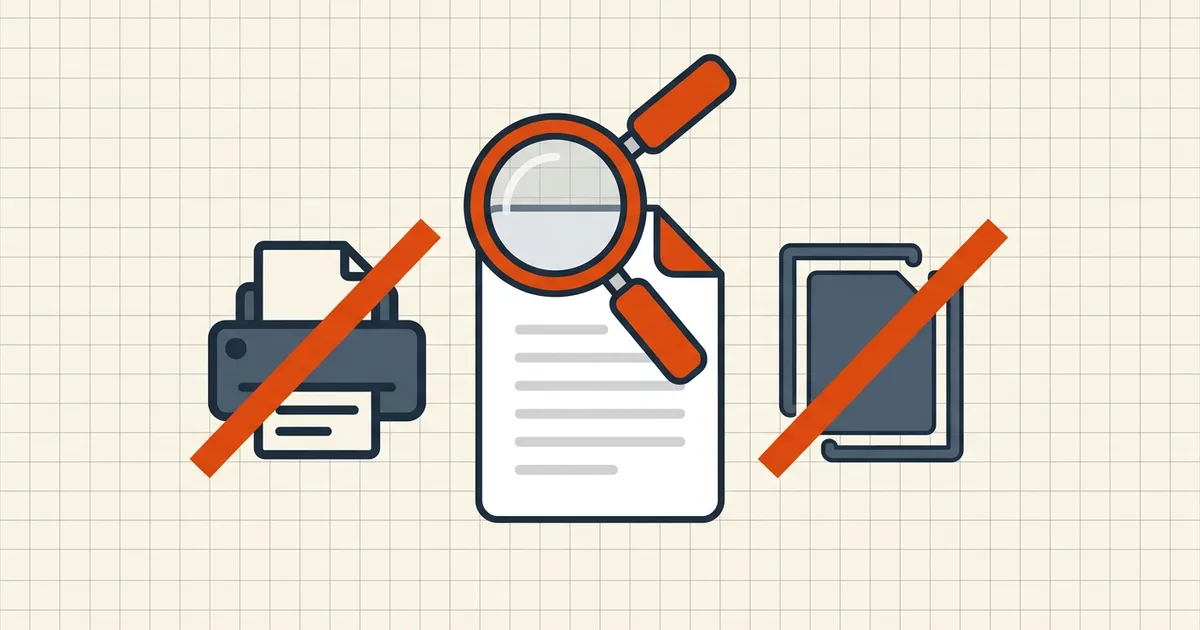
"Print is greyed out." "Copy does nothing." Same symptoms, three completely unrelated causes — and only one of them is about passwords at all. Diagnosing first saves an afternoon of wrong fixes.
Cause 1: permission flags (the owner password)
A PDF can carry permissions: allow/deny settings for printing, copying, editing and commenting, set when the file was protected. Compliant readers — Acrobat, Preview, browsers — disable the restricted functions. The tell-tale signs:
- the file opens and reads fine with no password prompt;
- specific menu items are greyed with "not allowed" tooltips;
- File → Properties → Security lists "Printing: Not Allowed / Copying: Not Allowed".
This is the situation owner password vs. user password explains in depth: the content is decrypted for reading; the flags are instructions to the reader. Honest expectations: they deter casual use and are honored by mainstream software, but they are not a cryptographic lock.
If the file is yours: remove or adjust the security settings in your editor and save a fresh copy. If you're setting them in the first place, BytesPDF Protect PDF exposes exactly these permission choices alongside a real AES-256 open password.
If the file isn't yours: the restriction is the author's stated policy. The workable path is asking them for an unrestricted or print-enabled copy — most "can't print" support threads end there for a reason.
Cause 2: there is no text (it's a scan)
Scans are images. "Copying" from them is impossible because there are no text characters to select — drag your cursor and you'll rubber-band a rectangle over the picture instead of highlighting words. The fix is not permissions; it's making the document searchable with OCR, which writes a real text layer under the image. After that, selection, copy, search and screen readers work normally.
Diagnostic shortcut: try to select a single word. Word-by-word highlighting = text exists (your problem is flags or encryption). Whole-image rectangle = no text layer (your problem is OCR).
Cause 3: encryption or document-level DRM
If the file demands a password before showing anything, you're at the open-password layer — real encryption, and no clipboard trick is involved. Some enterprise DRM systems similarly wrap the whole document. Either way, the sender controls access.
A quick decision table
| You see | Cause | Fix |
|---|---|---|
| Opens freely; print/copy greyed | Permission flags | Owner adjusts settings; or ask sender |
| Text won't highlight at all | Scan without text layer | OCR it |
| Password prompt before display | Open password (encryption) | Enter it, or ask sender |
| Opens in one viewer, blocked in another | Reader compliance differences | Use a standards-compliant reader; expect flags to be honored unevenly in obscure tools |
Frequently asked questions
Why is the print option greyed out in my PDF?
Usually the author set a permissions (owner) password with printing disallowed. Compliant readers gray out the function as instructed. If the file is yours, change or remove the security settings; if it isn't, the restriction is the author's policy — ask them for a print-enabled copy.
Why can't I copy text from a PDF I can read?
Three causes: copying is disabled by permission flags, the file is a scan with no text layer (nothing to select), or an open password/DRM scheme blocks the clipboard. The test: can you *select* text at all? If selection is impossible, it's the scan. If selection works but copy doesn't, it's the flags.
Is it legal to remove PDF printing restrictions?
Permission flags are advisory requests, and whether lifting them is appropriate depends on your rights to the document and applicable law. On files you own or were given with permission, adjusting your own copy is ordinary; circumventing a rights-holder's restrictions on protected publications is a different matter. When in doubt, ask the sender.
How do I enable printing on a PDF I created?
Open the security settings in your editor (Acrobat: File → Properties → Security) and change the printing permission or remove security entirely, then save a new copy. If you protected it with BytesPDF, re-protect with printing allowed in the permissions panel.
Why can't I copy text from a scan even though it looks like text?
Because it's a picture of text. Selection draws a box around the whole image instead of highlighting words. OCR adds a real text layer — after which copy, search and screen readers all work.