
Excel Hyperlinks Die When Exporting to PDF
The blue underlines print fine and click nowhere. Excel-to-PDF link death is usually internal navigation dropping out — with a few fixable external-action traps.
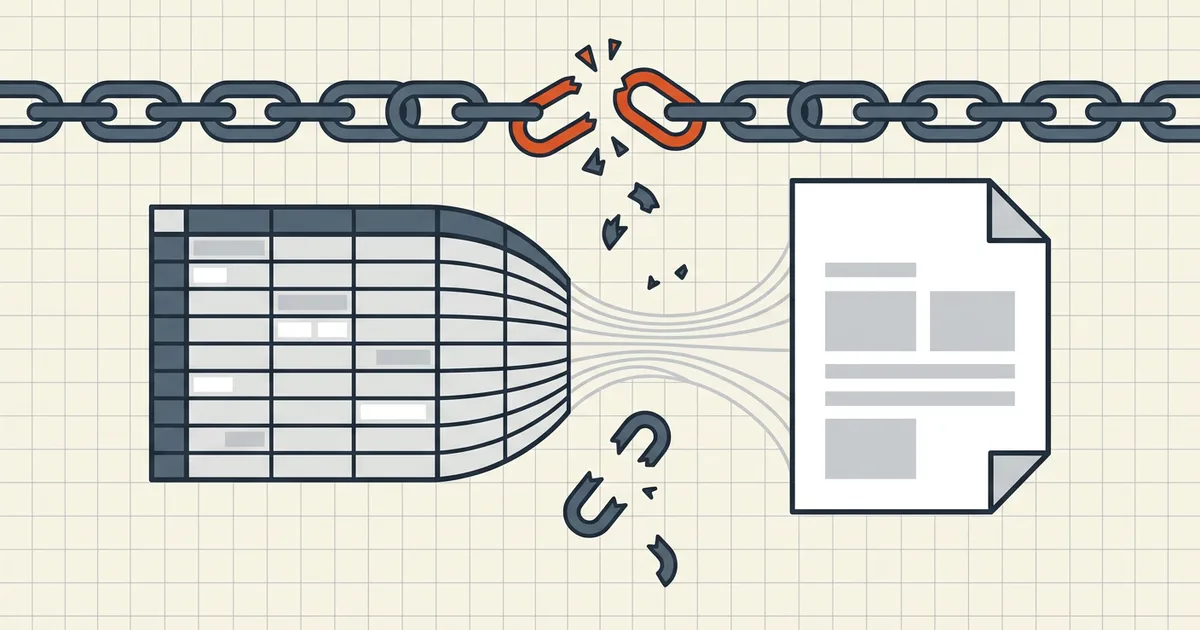
You exported the workbook. The links still look live. Clicks die. Three different mechanisms cause that — separate them before you redesign the sheet.
Link classes in Excel → PDF
| Class | Typical fate | Workaround |
|---|---|---|
| Internal (sheet/defined name) | Dropped by many exporters | External TOC / hosted nav; keep PDF as snapshot |
External https:// | Usually survives | Click-test sample |
file:// / server path | Frozen dead path for recipients | Replace with URLs they can open |
| Acrobat PDFMaker 'Add links' off | Missed annotations | Enable PDFMaker link option when using that path |

Fix path
- Inventory link types (Ctrl+K per sample cell: URL vs location vs file).
- Normalize outbound links to https before export.
- Choose path deliberately: Save As vs Acrobat ribbon vs print-to-PDF differ
- If using PDFMaker: confirm link creation preferences (community reports
toggle-class fixes for external links).
- Click-test one of each class on the finished PDF — then run
Layout cousins that bite the same export: column cut-off, hidden rows/formulas.
After the PDF exists
Compression keeps annotations if done honestly (links question). If links die after compress, that is a different bug class than export-time loss — verify against the pre-compress file.
Honest BytesPDF scope
BytesPDF ships Excel→PDF as a local print-style conversion (tool page + xlsx converter behavior is the capability source). Internal navigation guarantees are an Excel/PDF-export platform problem as much as a converter problem — always sample-click before you promise links to recipients.
Sample click-test protocol
Before a full workbook ships:
- Export a two-page sample that contains one of each link class.
- Open in a second viewer (not the same Excel preview pane).
- Click: external https, internal sheet jump, file path, email
mailto:. - Record pass/fail per class — promise only the passing classes in your cover
email.
If internal navigation is mandatory
Options outside pure PDF export: publish the workbook to a web viewer, generate a PDF with explicit URL links to hosted sections, or ship both PDF and XLSX. Honest scope beats a PDF that pretends to be an app.
Related export traps in the same family: hidden rows & formulas, track-changes cousin for Word.
Why "it works on my machine" lies
Excel's own preview pane and the machine that owns the file server still resolve local paths — recipients on laptops do not. Always open the exported PDF on a different account/machine profile for the click-test. If the workbook will live in SharePoint/Drive, generate links that those web URLs actually resolve outside your session tokens.
Tool boundary reminder
BytesPDF is one converter among many; the honest promise is local conversion plus documented behavior on the tool page — not omniscient link rewriting. When internal navigation is load-bearing, keep a clickable master outside the PDF and treat the PDF as the immutable snapshot it is.
Frequently asked questions
Why do Excel hyperlinks not work in the exported PDF?
Internal links (cell → sheet/defined name) are often not preserved by PDF export; external URLs frequently survive but not always. Acrobat PDFMaker has an 'Add links' style preference; print-to-PDF paths differ from Save As. Test a sample before you ship a link-heavy workbook.
Can I make internal sheet links clickable in PDF?
Some Acrobat PDFMaker paths create internal bookmarks/actions; plain Save-as-PDF and many converters do not. Practical workarounds: add explicit URL links to a hosted copy, include a table of contents with working external links, or keep navigation in the workbook and ship the PDF as a snapshot.
External links open the wrong file (server path died)
Excel 'Open file' hyperlink actions freeze a filesystem path into the PDF — recipients without that mount see dead clicks. Prefer https URLs for outbound PDFs; audit Link properties before export (action defaults trip people up in Acrobat conversion threads).
Does compressing the PDF break links?
Proper compression keeps link annotations ([compress & links question](/questions/does-compression-break-pdf-links)). Export-time loss happens **before** compress — fix the export, then compress.
Does BytesPDF Excel→PDF keep hyperlinks?
Match the published converter behavior on the Excel→PDF tool page (print-faithful grid locally). Do not assume internal workbook navigation survives any converter — verify one link of each class on sample output before batch export.
Related comparisons
Source-led comparisons written by BytesPDF, with the conflict of interest disclosed on each page. They link official provider documentation rather than fabricated tests.