
How to Redact a Bank Statement PDF (What to Hide, What to Keep)
Landlords and lenders need your balances; they don't need your full account number. The field-by-field redaction map for bank statements — and the verification pass that proves it stuck.
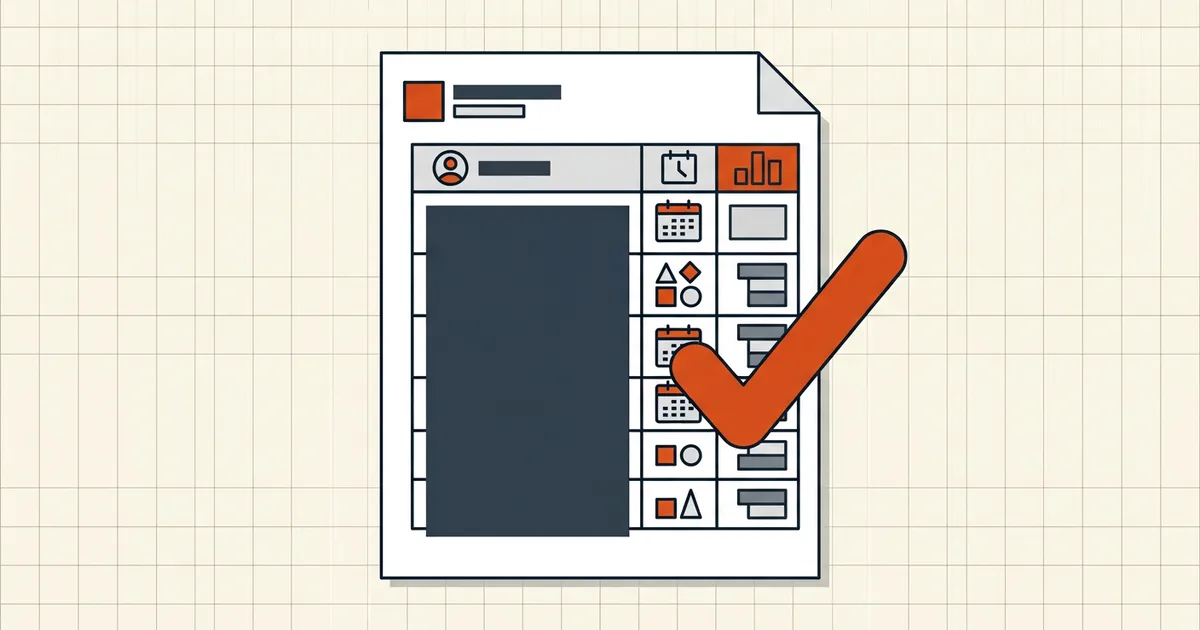
A bank statement is the most-requested and most-over-shared document in existence: landlords, lenders, employers, visa offices all want proof of finances, and most of them need far less than the file actually contains. Redaction is how you hand over the proof without handing over the keys.
The field map: hide vs. keep
| Field | Typical stance | Why |
|---|---|---|
| Full account number | Hide (last 4 visible if verification needs it) | Enough to identify the account without enabling access attempts |
| Routing / sort code / IBAN+account combo | Hide with the account | Harmless alone in some countries, risky paired with account details |
| SSN / tax / national ID anywhere | Always hide | Pure identity-theft fuel |
| Your name, address block | Keep (or per recipient's need) | Usually the point of the verification |
| Balances, period, transaction amounts | Keep | What "proof of funds" means |
| Transaction descriptions | Keep unless sensitive | Redact lines that reveal medical/legal/personal detail when not required |
When a recipient's requirement is ambiguous, ask one question: "Which fields will you actually check?" Then redact everything else.
The mechanics (same as every true redaction)
- Work on a copy. Redaction is destructive by design.
- Mark every occurrence — headers repeat the account number on every page; check images inside statements repeat it as graphic + text. Use search-and-mark to catch all instances.
- Apply true redaction — BytesPDF Redact Text destroys the covered content rather than drawing over it. Drawn boxes are the classic black-box leak.
- If the statement is a scan, mind the OCR layer: scanned-page redaction has the double-layer trap and the fix order.
- Verify as an opponent:
- search the full account number → zero hits;
- drag-select across each black bar → paste → nothing readable;
- properties/attachments → metadata sweep while you're there (bank PDFs carry producer strings and timestamps too).
Then make it fit wherever it's going
Portal rejects love bank statements — multi-page scans are fat. The sizing side is its own guide (compress bank statements for portals, exact-size targets), and the order is fixed: redact → clean → compress → send. Compressing first just produces a smaller file whose original unreacted content sits in revision history until the cleanup pass runs — do the destructive work before the repackaging.
Frequently asked questions
What should I redact on a bank statement before sharing?
Hide the full account number (keep last four if the recipient must verify), routing/sort/IBAN numbers when paired with account details, and any ID numbers (SSN, tax IDs). Keep what the recipient needs to verify finances: your name, account type, period, balances, and transaction detail as required. Over-redacting gets applications rejected; under-redacting leaks.
Is drawing a black box over my account number enough?
No. A drawn box is an overlay — the text remains copyable and recoverable underneath. Use true redaction that deletes the underlying content, then verify by searching for and selecting across the redacted region. If you can still select the number, the redaction failed.
Account numbers appear in every page header — do I have to redact each one?
Yes, every occurrence: headers, footers, summary rows, and check images inside the statement. Find-and-replace-style redaction (search the number, mark every hit) is the reliable pattern; then re-search the final file for the number as proof.
What about the transactions themselves?
Depends on the recipient's need: landlords usually want income deposits; lenders want the full picture; a casual share needs neither. If a specific transaction is sensitive (medical, legal, personal), redact the description while keeping the amount if amounts are what's being verified.
Should I scan a paper statement instead of redacting the PDF?
Print → marker → re-scan genuinely destroys the text and is a valid high-assurance route for paper originals. For statement PDFs from your bank, digital true-redaction is faster and keeps text searchability where you didn't black it out — pick by assurance level needed, and verify either way.