
How to Verify a PDF Signature (And What 'Validity Unknown' Means)
Most signature warnings are trust problems, not tampering. Here's how to read the signature panel, run a real verification, and know which state you're in.
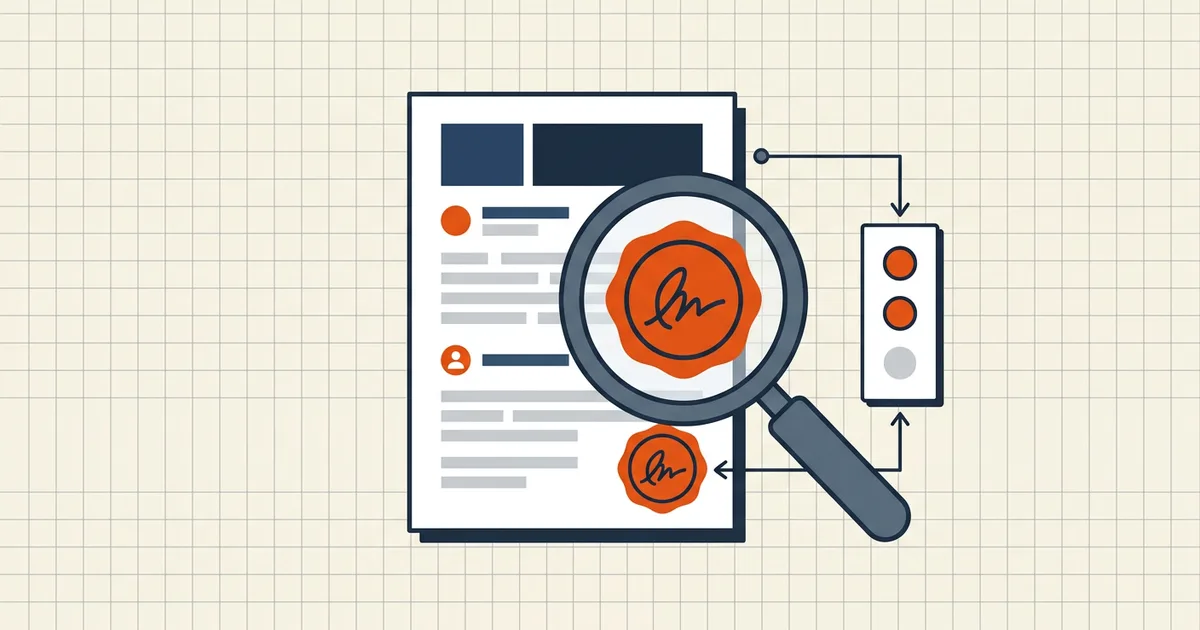
You open a signed PDF and the reader greets you with a yellow question mark: "Validity unknown." Before assuming fraud — or worse, assuming safety — it's worth knowing that a signature panel reports two different judgments, and only one of them is about tampering.
The two questions a verifier answers
- Integrity. Have the signed bytes changed since signing? Pure mathematics: recompute the digest, compare with the value locked in the signature. Pass/fail, no opinions.
- Identity / trust. Should this reader believe the signing certificate is who it claims? The reader consults trust lists — roots it ships with or you've added (Adobe's AATL is the best-known example). This judgment varies by machine and configuration.
"Validity unknown" almost always means: integrity passed, trust unresolved. The document is unchanged; the reader just can't vouch for the issuer.
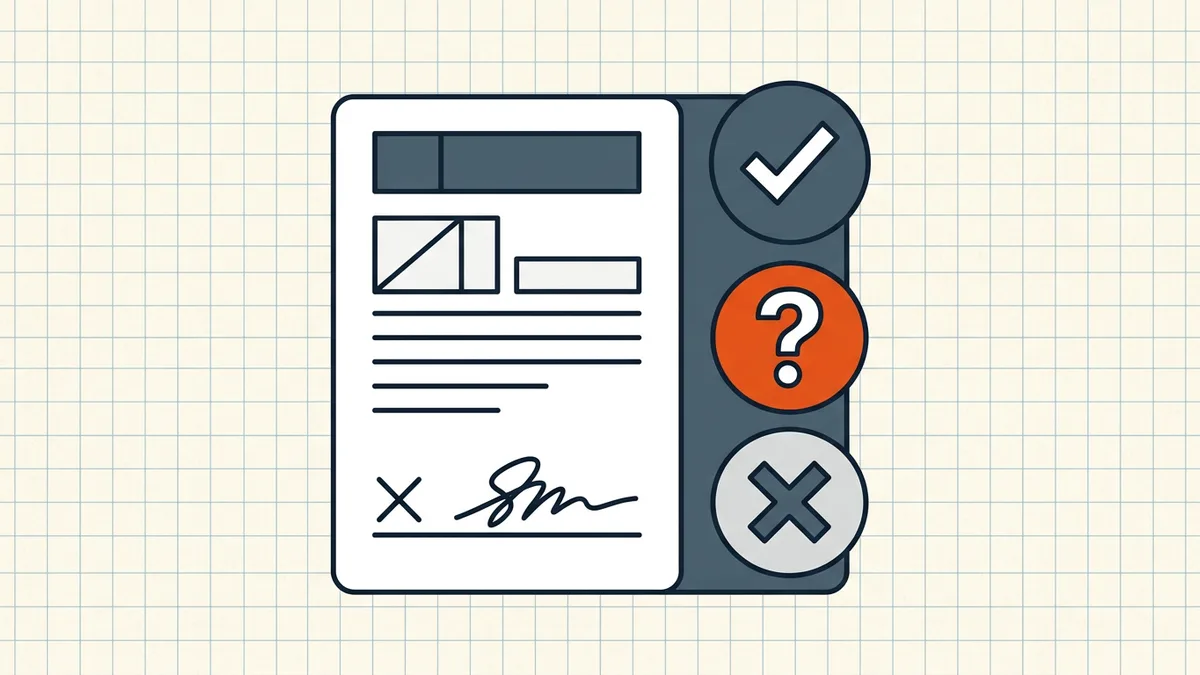
Reading the status icons
Readers encode the states similarly (Acrobat Reader's convention):
- Green check — intact and the certificate chains to a trusted root. Both judgments pass.
- Yellow question mark ("Validity Unknown / Signature not verified") — intact, unknown issuer. Trust question, not tampering.
- Red cross / "document has been modified" — integrity failure: the bytes changed after signing, or the signature data is malformed. This is the only state that means the content is not what was signed (what breaks signatures).
How to verify, step by step (Acrobat Reader, free)
- Open the PDF and the Signatures panel (fountain-pen icon in the left pane, or the signature bar's Signature Panel button).
- Expand the signature entry and let validation run (right-click → Validate Signature forces a fresh check).
- For the full picture: right-click → Show Signature Properties… → the signer's certificate, its issuing chain, timestamps, and revocation checks.
- Decide the trust question separately (below).
Browser preview panes and many mobile viewers show weak or no signature status — verify in a real reader before making decisions.
The trust decision (a real decision)
If status is "unknown", you can tell the reader to trust the signer's certificate (Show Signer's Certificate… → Trust → Add to Trusted Certificates in Acrobat). Do that only when you can attribute the certificate:
- Reasonable: a government agency's signed notice you requested yourself; your organization's own CA; a counterparty whose certificate fingerprint you've verified out of band.
- Not reasonable: silencing a warning on an unexpected attachment from an unknown sender.
Trust lists are per-machine: adding a certificate changes what you see. If you must demonstrate a document's status to someone else, the portable answer is the signature panel evidence (or an independent validation report), not "it shows green on my laptop."
Why so many genuine documents show "unknown"
Certificate hierarchies differ by country and industry. Documents signed under national PKI schemes (and anything self-signed) frequently sit outside the major vendors' default trust lists — the signature is intact and the document genuine. This split between valid and trusted is exactly what the digital vs electronic signature distinction predicts: the math is universal; trust is local policy.
Frequently asked questions
How do I verify a digital signature on a PDF?
Open the signature panel in a standards-compliant reader (Acrobat Reader: the fountain-pen icon in the left pane) and let it validate. For each signature it reports whether the covered bytes are unchanged (integrity) and whether the signer's certificate chains to a trusted root (identity). Validation is read-only.
What does 'Validity Unknown' or a question mark mean?
Integrity passed; identity could not be verified against the reader's trust lists. The signer's certificate doesn't chain to a root the reader ships — common with self-signed certificates and some national certificate hierarchies. The content is intact; the question is whether to trust the issuer.
Does 'Signature Not Verified' mean the document was tampered with?
No. Tampering produces a different, explicit message — 'document was altered or was modified after signing'. Not-verified is a trust-chain warning. Check integrity first; if intact, the warning concerns the certificate, not the content.
Should I add a certificate to my trusted certificates?
Only when you can attribute it to an issuer you have reason to trust — a government body whose document you requested, or your own organization's CA. Trusting a certificate tells your machine to accept everything signed under it; don't do it just to silence a warning on an unexpected file.
Does verifying a signature change the file?
No. Verification recomputes a digest of the signed bytes and compares it to the embedded signature. It's a read-only check you can repeat indefinitely.